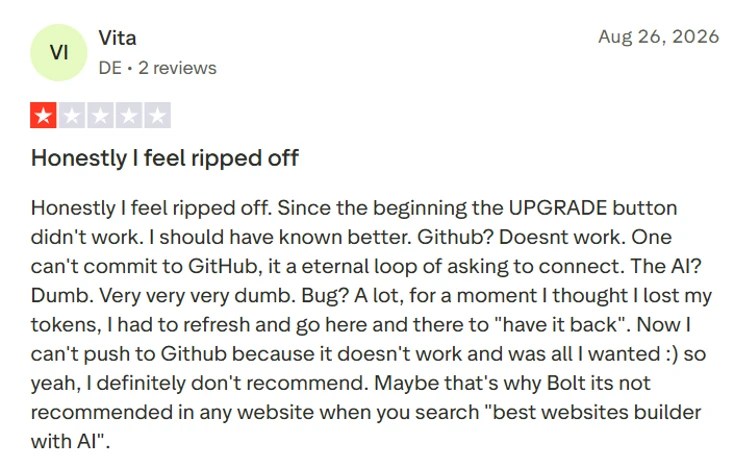
Our Experience with the Bolt AI
Test 1: A Single Presentation Slide
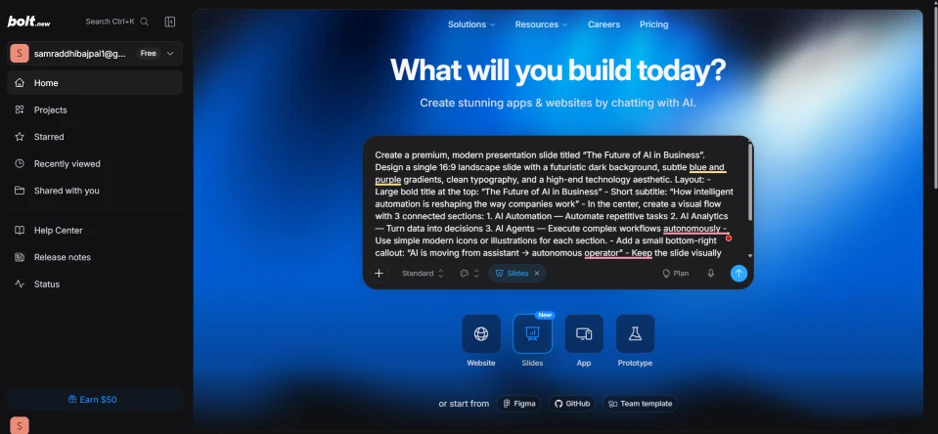
I started with Slides, which Bolt still tags as new. The prompt asked for one 16:9 slide titled "The Future of AI in Business" with a dark futuristic background, blue and purple gradients, three numbered sections joined by a visual flow, simple icons for each section, and a small bottom-right callout reading "AI is moving from assistant to autonomous operator". I left the model on the default Standard setting.
The result matched the layout instructions closely. The title sat centered with "AI" picked out in accent blue and a "2026 · Technology Briefing" label above it. The three sections lined up below with numbered badges and thin connecting lines between them, and Bolt's own summary claimed those lines are animated. The two misses were the background, which came out as a plain deep navy gradient instead of the blue and purple mix I asked for, and the bottom-right callout, which I could not find anywhere on the rendered slide. Everything else, including the section copy, landed on the first attempt with no follow-up prompt.
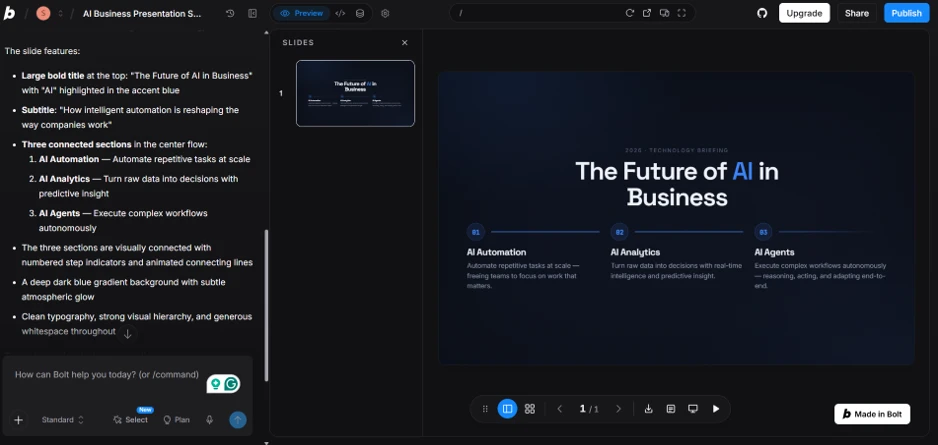
The preview toolbar includes download and present controls, so the slide can leave Bolt as a file without any extra steps.
Test 2: A Full Website
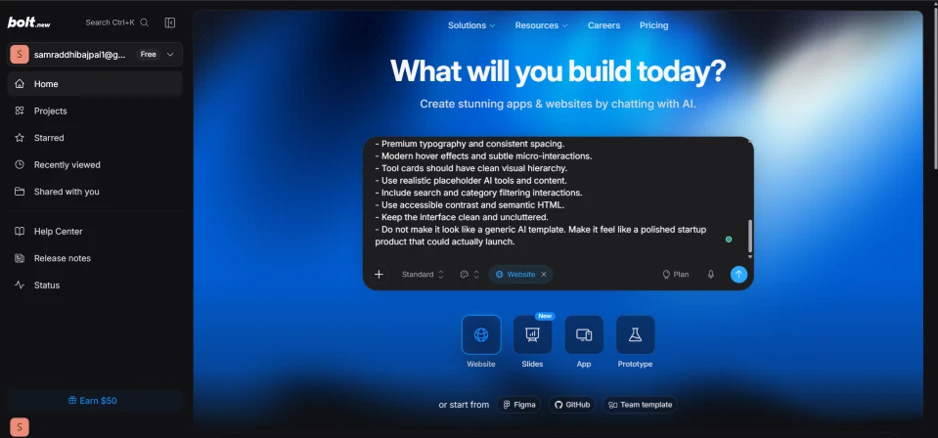
Next I switched to Website mode and described an AI tools directory. The prompt was long. Beyond the page structure, I added rules about premium typography, hover effects, realistic placeholder tools, working search and category filters, semantic HTML, and a closing line telling it not to look like a generic AI template.
This was the strongest output of the session. Bolt named the site NOVA AI on its own and built a nav with Discover, Categories, Trending and Submit Tool links alongside an Explore Tools button. The hero carries a "330+ AI tools curated & updated weekly" badge above a two-line headline where the second line runs a cyan-to-indigo gradient. Under that sits a search bar with its own button and two call-to-action buttons. The chat summary listed a newsletter form with a success state and a footer with organised link columns, and it said the design uses Sora and Inter fonts with glassmorphism and scroll-reveal animations.
Bolt claims every interaction on the page is functional. I did not test each one before moving on.
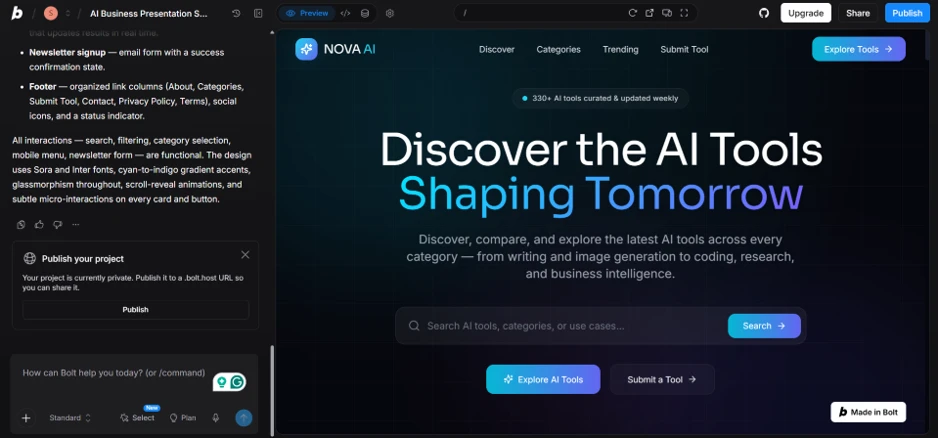
A publish card appeared under the chat as soon as generation finished, offering a .bolt.host URL. The Made in Bolt badge sits in the corner of the site, and only a paid plan removes it.
Test 3: A Mobile App
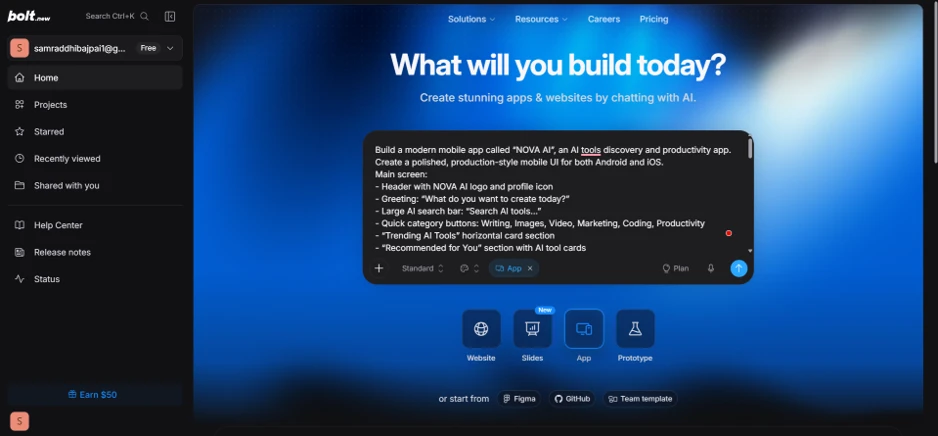
For the third build, I switched to App mode and reused the NOVA AI brand. The prompt called for a production-style mobile UI for Android and iOS with a header, a greeting, a large search bar, six quick category buttons, a trending carousel, and a recommended section.
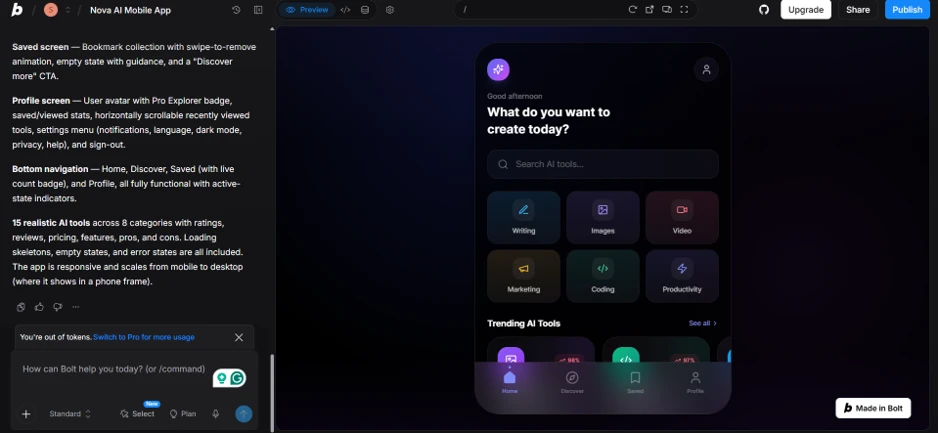
Bolt delivered a phone-framed interface with the "What do you want to create today?" greeting placed under a time-aware "Good afternoon" line. The search bar sits below that, followed by a two-by-three grid of category tiles, each with its own icon and colour tint. Further down is the Trending AI Tools carousel with percentage badges on each card and a four-tab bottom navigation. According to Bolt's summary, the app also contains a Saved screen with swipe-to-remove, a Profile screen with a Pro Explorer badge and settings menu, 15 sample tools across eight categories, plus loading skeletons and empty states.
One catch: this is a mobile-first web app rendered inside a phone frame, not a native Android or iOS build. Bolt's own version label reads "Create polished mobile-first web app". If you need something that ships to an app store, this mode gives you a design and a working web front end, and the rest is on you.
Running Out of Tokens
The app was the last thing the free account could produce. A banner appeared under the chat reading "You're out of tokens", and the next click opened the upgrade modal.
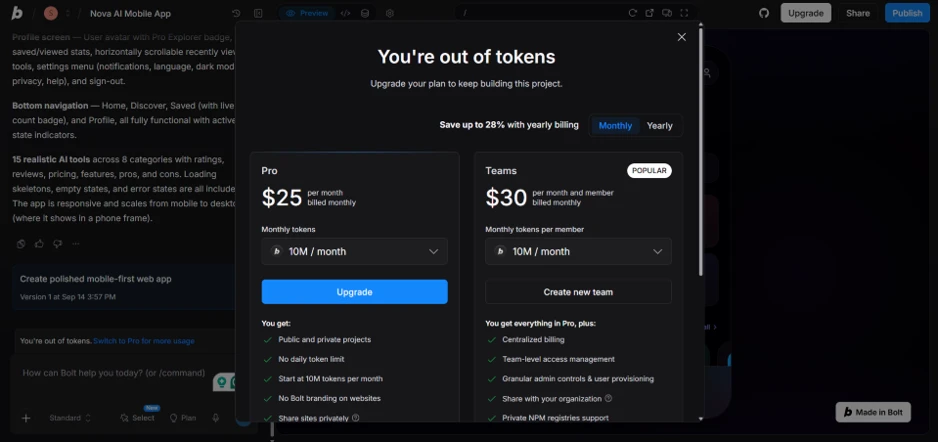
Pro costs $25 per month for 10 million tokens, with yearly billing cutting up to 28% off. Teams runs $30 per member per month. Pro also unlocks public and private projects, removes the daily token limit, drops the Bolt branding from published sites, and adds private site sharing. The free tier has a daily cap on top of its overall allowance, which explains why three medium-sized prompts drained it in a single sitting.
I went in expecting the free tier to allow one project. It allowed three complete builds across three different modes, which is more generous than I assumed and enough to judge whether the tool fits your workflow before paying.