Hands-On Use
I ran Famous.ai through one real task, screen by screen, to see whether “idea to app, instantly” holds up. Each step below shows what I saw and how it landed.
The Landing Page
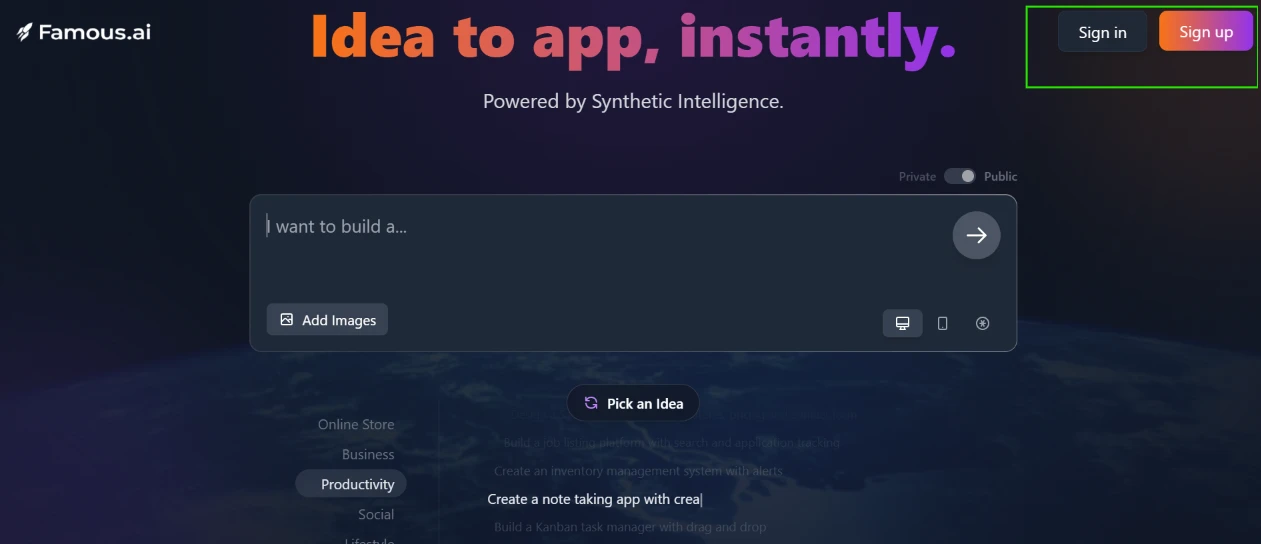
The homepage states its promise in one line, “Idea to app, instantly,” with “Powered by Synthetic Intelligence” sitting underneath. A single build box dominates the screen, with a Private and Public toggle above it. Sign in and Sign up wait in the top corner, and a “Pick an Idea” row below the box suggests starters across categories such as Online Store and Productivity.
The pitch is clear, and the way in is obvious from the first second.
Creating an Account
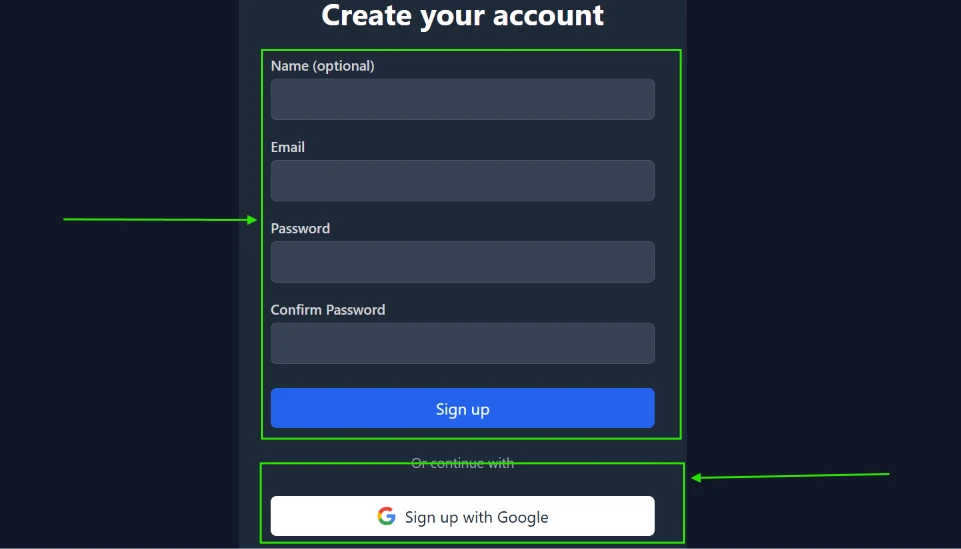
Sign-up is a short form: a name marked optional, then email, password, and a confirmation field. A “Sign up with Google” button sits below for anyone who would rather skip typing. I registered with email.
The Terms of Service Gate
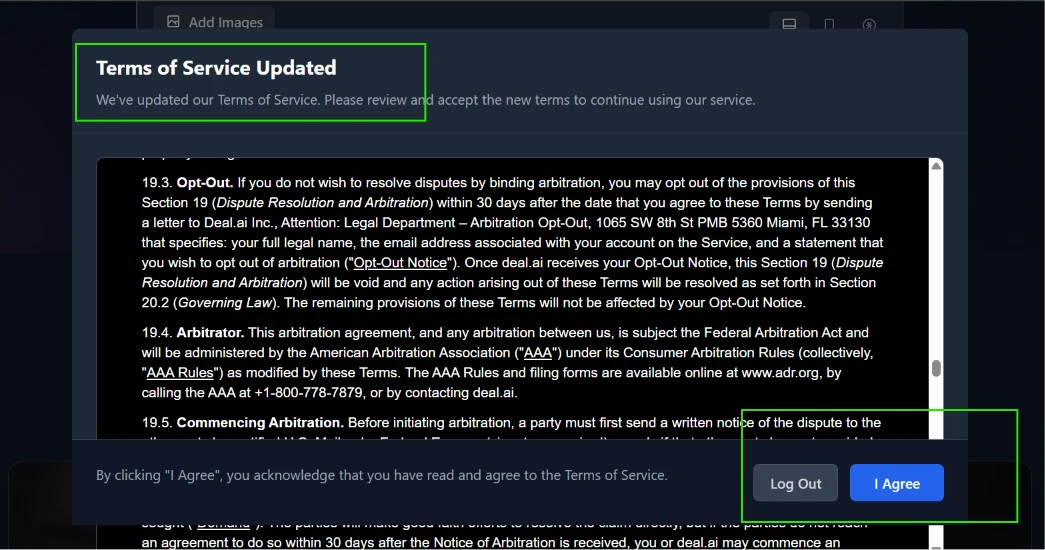
The moment I logged in, a “Terms of Service Updated” modal took over the screen. It carried dense arbitration language, including an opt-out clause addressed to Deal.ai Inc. in Miami. My only buttons were Log Out and I Agree.
That deal.ai reference is the part worth flagging. For a product that sells speed, a wall of legal text at the threshold is a jarring first move, and it suggests Famous.ai runs on top of another company’s platform.
Inside the Dashboard
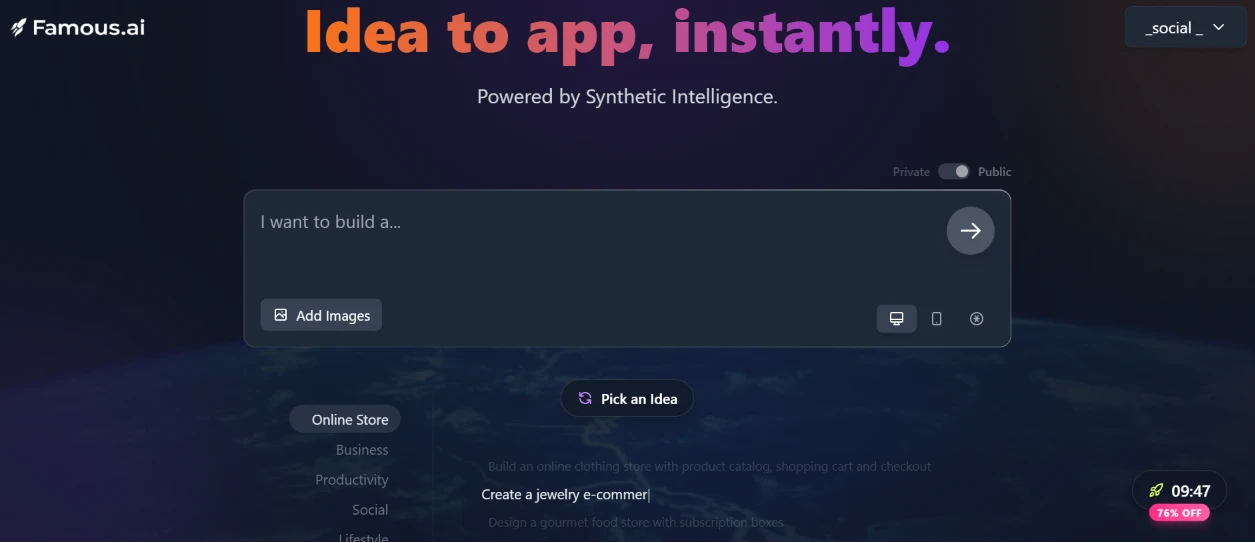
Past the gate, the dashboard mirrors the homepage, same build box and same idea suggestions. The one change is a countdown timer in the corner beside a “76% OFF” badge, a steady push to upgrade before the clock empties.
The Build Brief
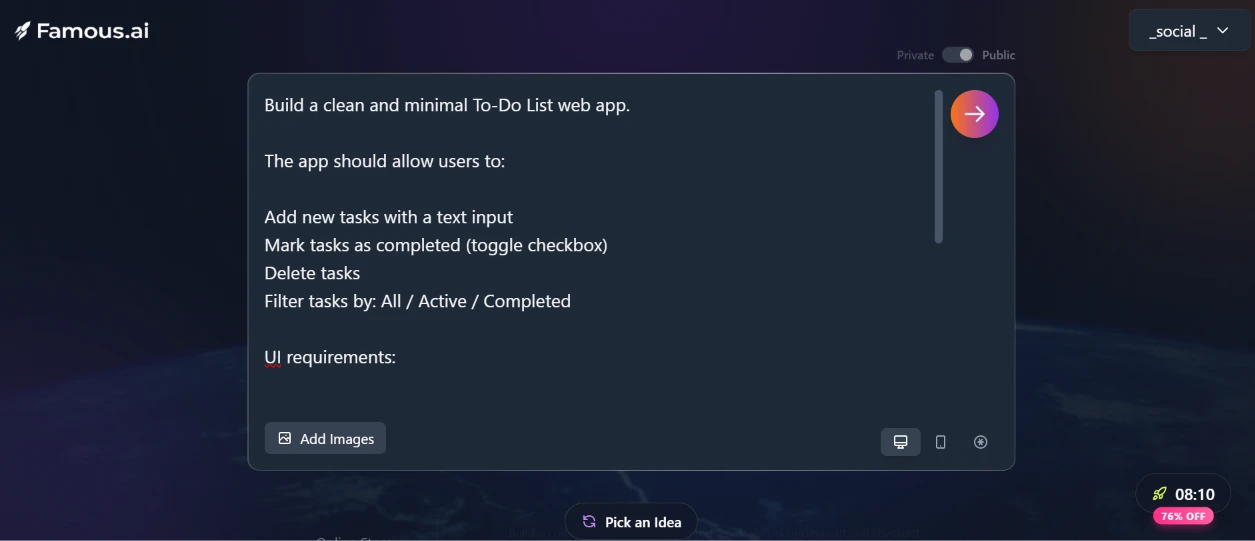
For the test I wrote a detailed brief: a clean To-Do list app that lets users add tasks, toggle them complete, delete them, and filter by All, Active, or Completed. I also asked for a centered card layout, a light background, responsive behavior, local browser storage, and a header reading “My Tasks.”
Watching It Build
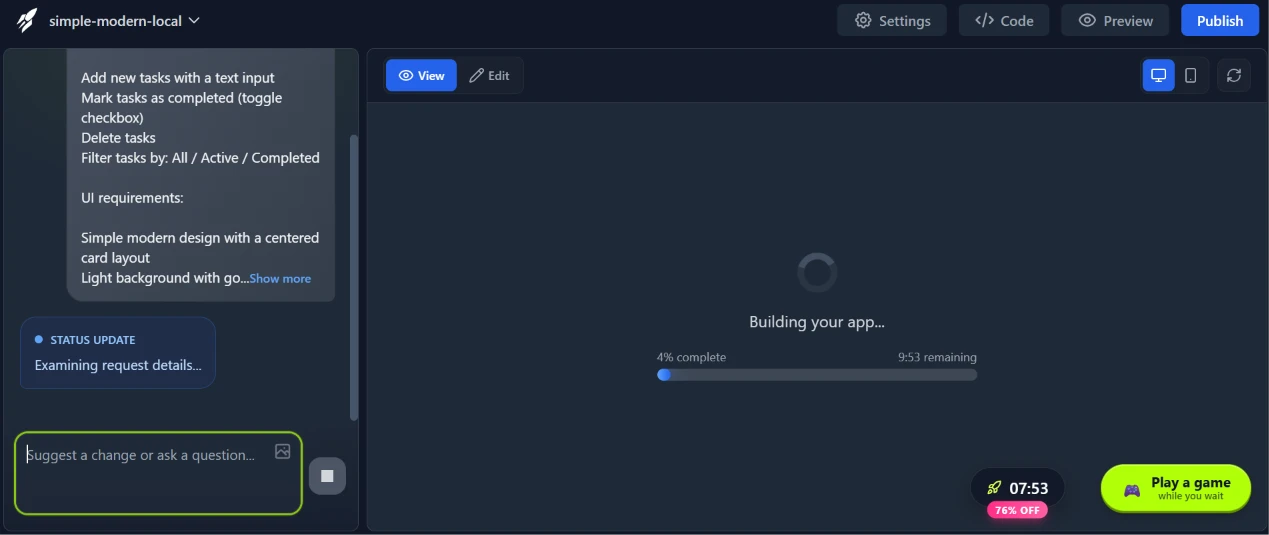
The build started at once, with a progress bar promising just under ten minutes and a small game on offer while I waited.
The real figure came in far lower. Project details later put the actual work at roughly one minute and thirty seconds.
The Finished App
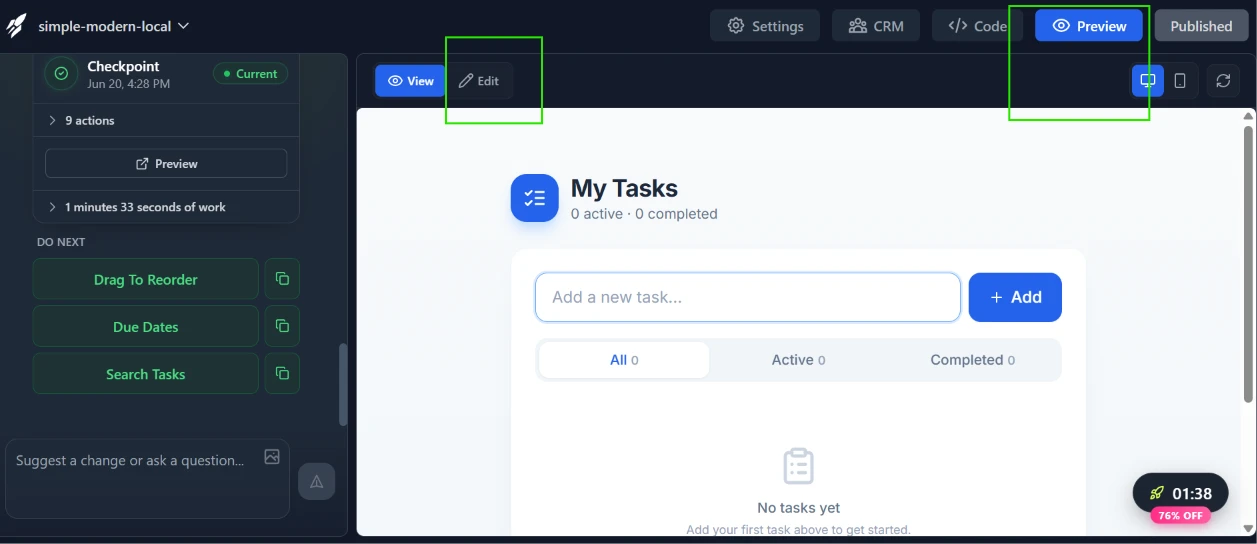
The output tracked the brief. “My Tasks” loaded with the input field, an Add button, the filter tabs, and a “No tasks yet” empty state. A side panel logged the run as a checkpoint and nudged me toward follow-ups such as due dates and task search.
Desktop and Mobile Views
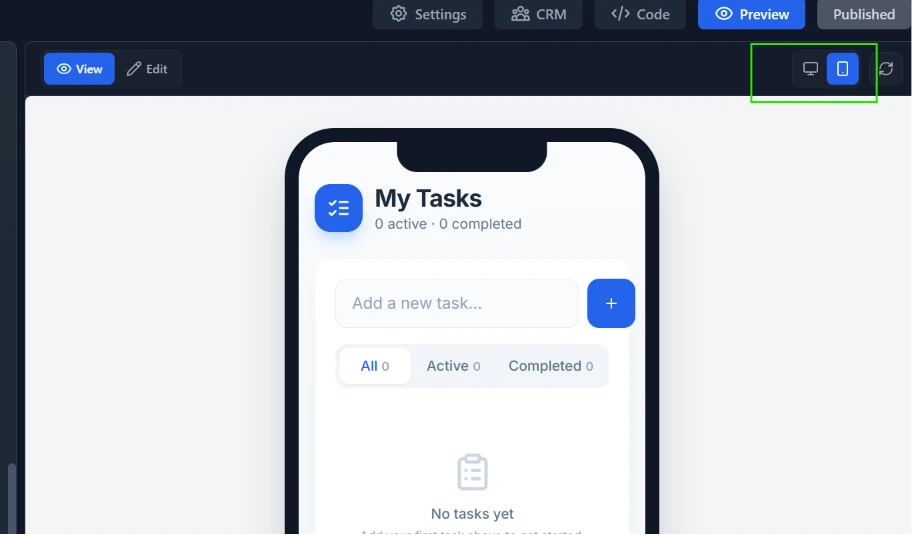
A toggle flips the preview between desktop and phone. Both kept their layout, the card centered and the controls spaced for touch, so the responsive requirement landed without any extra prompting.
Project Settings
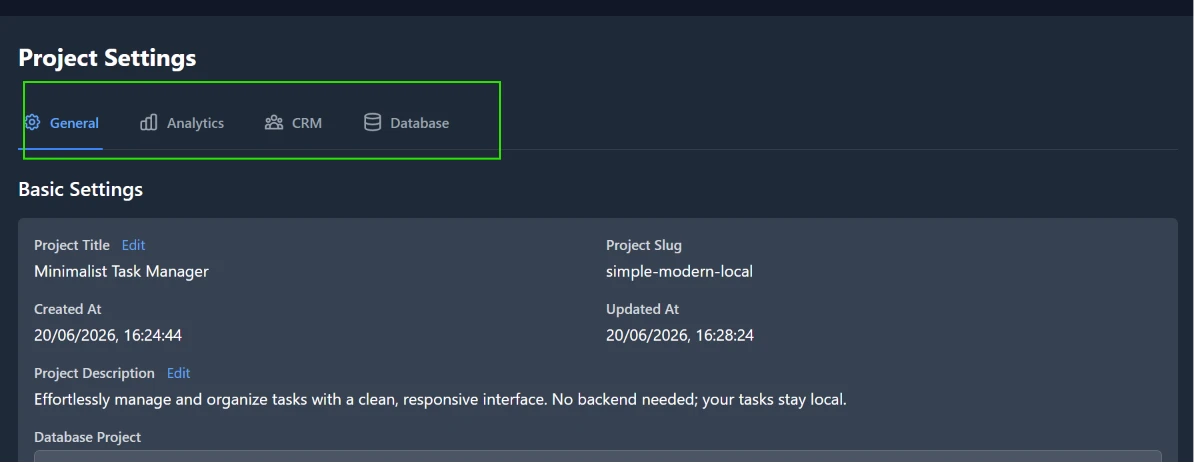
Project Settings reaches past a basic generator. It carries tabs for Analytics and CRM next to a Database view, and the project arrived titled “Minimalist Task Manager” with a slug and a written description already filled in.
One caveat for client work: the preview wore a “built by famousai” mark.
Scorecard
| Dimension | Score | Note |
|---|---|---|
| Sign-up and onboarding | 4 / 5 | Email or Google, done in under a minute |
| Build speed | 5 / 5 | Around 1 min 30 sec of actual work |
| Output accuracy | 4 / 5 | Delivered the requested features and layout |
| Responsive design | 5 / 5 | Desktop and phone previews both held up |
| Feature depth | 4 / 5 | CRM and Database tabs beyond a basic builder |
| Friction and pressure | 2 / 5 | Legal modal plus a discount countdown |
| Output branding | 3 / 5 | A “built by famousai” mark on the preview |
| Overall | 4 / 5 | Fast and capable, distractions aside |
Final Thoughts
The engine earns its headline. A paragraph of instructions became a working, responsive app in under two minutes of build time.
The cost sits around the build rather than inside it. The legal gate at login and the discount clock both pull attention from the work itself. Quiet those and what is left is a fast, capable builder a solo maker or small team could lean on for quick prototypes.