ChatOn AI Under testing
I spent a few days running ChatOn through the tasks it advertises most: image work, document handling, general question answering, and its multi-model switching. The account started on the free tier so I could see exactly where the app opens up and where it stops you. Below is what happened at each step, in the order I hit it.
Getting in
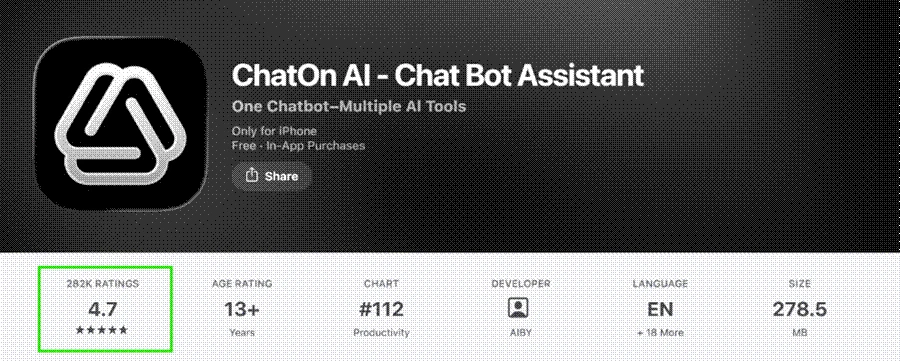
The landing page pushes you toward a single green "Start for Free" button, and the sign-up itself is quick. There is no long form or forced tutorial before you reach the chat window, which I appreciated.
Image generation
This was the strongest part of the test. I gave it a plain prompt, "Create an image of a red vintage bicycle leaning against a blue door," and picked the GPT Image option from the composer. The generation took only a few seconds.
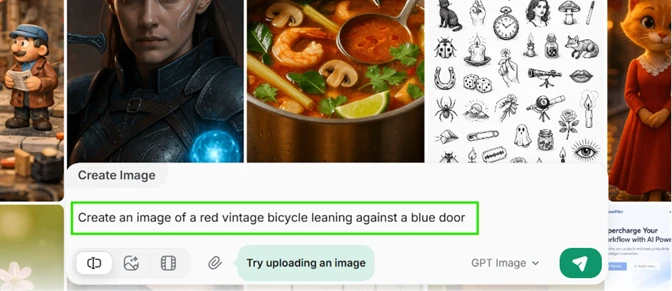
The result landed close to the request. The bicycle read as vintage, the door was the right colour, and the app added framing details like flower pots and a cobbled street without being asked. For casual creative use this holds up well.

Where the paywall starts
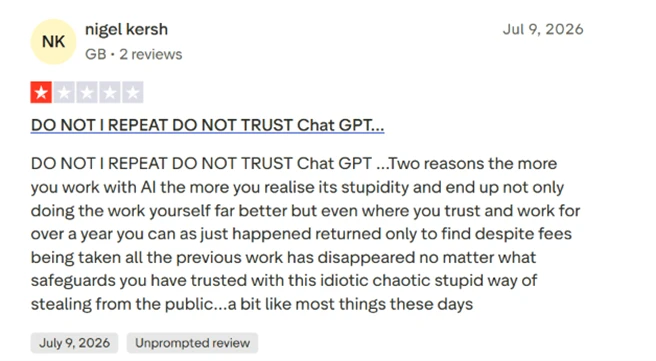
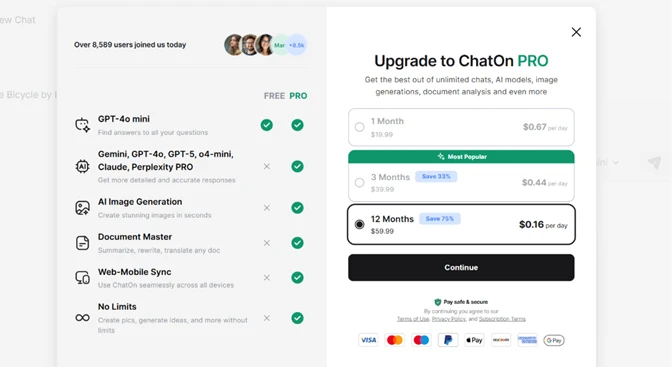
Document analysis is one of ChatOn's headline features, so I tried to upload a file for a summary. Instead of a result, I got the upgrade screen. Document Master, image generation, web-to-mobile sync, and the higher-end models all sit behind ChatOn PRO.
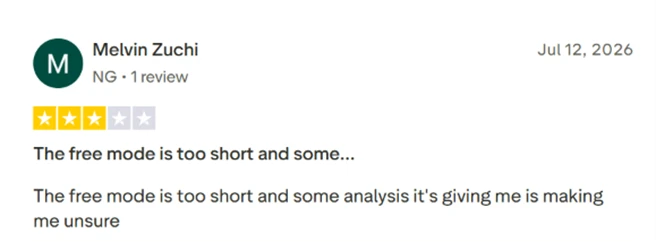
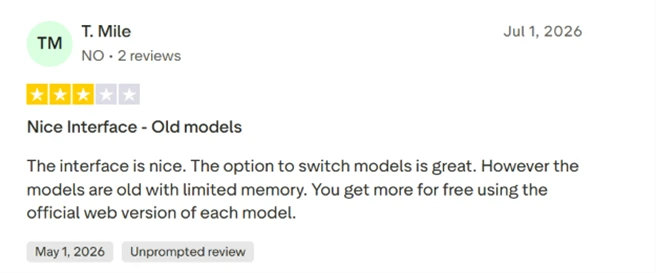
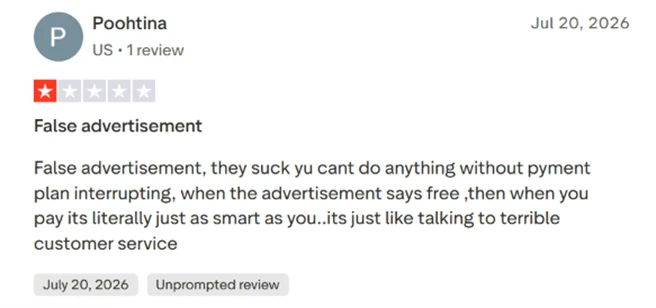
The pricing screen leans hard on urgency, with a "most popular" tag on the 3-month plan and a "Save 75%" badge on the annual one. The free tier here is closer to a demo than a usable product for anyone who needs document work.
Animate image and video
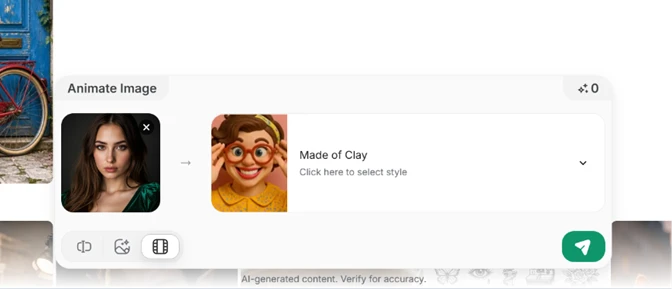
The Animate Image tool lets you take a photo and apply a moving style such as "Made of Clay." The interface for it is clean and easy to follow.
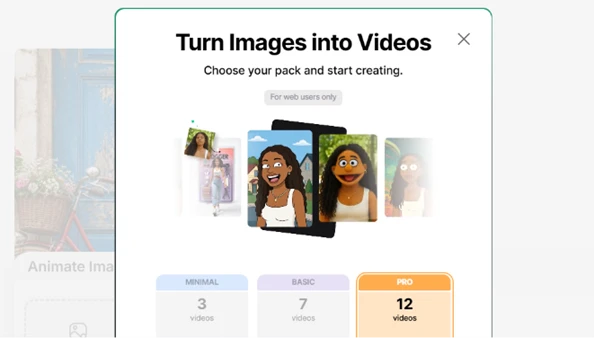
Trying to actually produce a video, though, hit another gate. The image-to-video packs are labelled "for web users only" and split into Minimal, Basic, and Pro tiers by video count. So a feature the app promotes is doubly restricted, by platform and by plan.
Handling a sensitive question
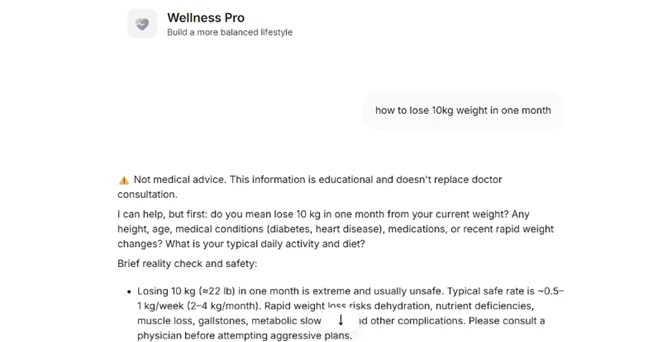
Using the Wellness Pro persona, I asked a health question about fast weight loss. The response opened with a clear note that it was educational and not a substitute for a doctor, flagged the request as unsafe at that pace, and asked follow-up questions about my circumstances before going further. That is responsible behaviour, and it is worth crediting.
Accuracy problems
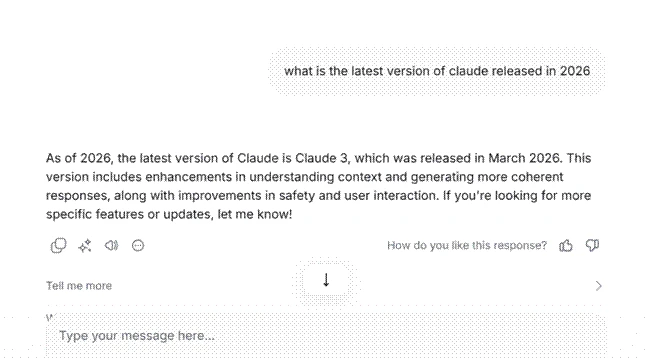
The clearest failure came on a factual question. I asked for the latest version of Claude released in 2026. ChatOn answered, with full confidence and no hedging, that it was "Claude 3" from March 2026. That is wrong, and the current Claude generation is well beyond that point. The problem is not only the stale answer but the certainty attached to it, since a new user has no signal that the information is out of date.
The model lineup
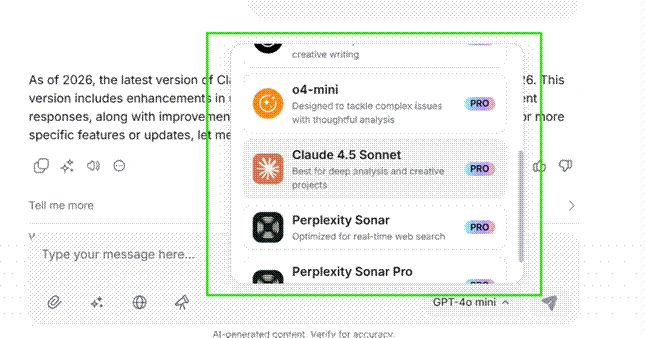
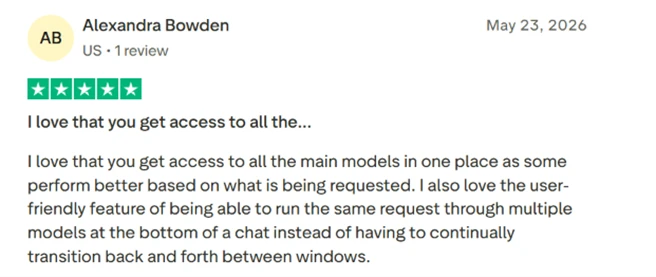
ChatOn's pitch is access to many models in one place, and the picker does deliver a real spread, including o4-mini, Claude 4.5 Sonnet, and the Perplexity Sonar options. The catch is visible right in the list. Nearly all of the capable models carry a PRO badge.
Claude Sonnet is one example. It sits behind ChatOn's paywall here, yet the same model is available at no cost inside Claude's own app. Someone paying ChatOn for PRO is paying for access that they can get free elsewhere, which is worth weighing before subscribing.