
Cheaterbuster AI - Real Time Testing
1. First name
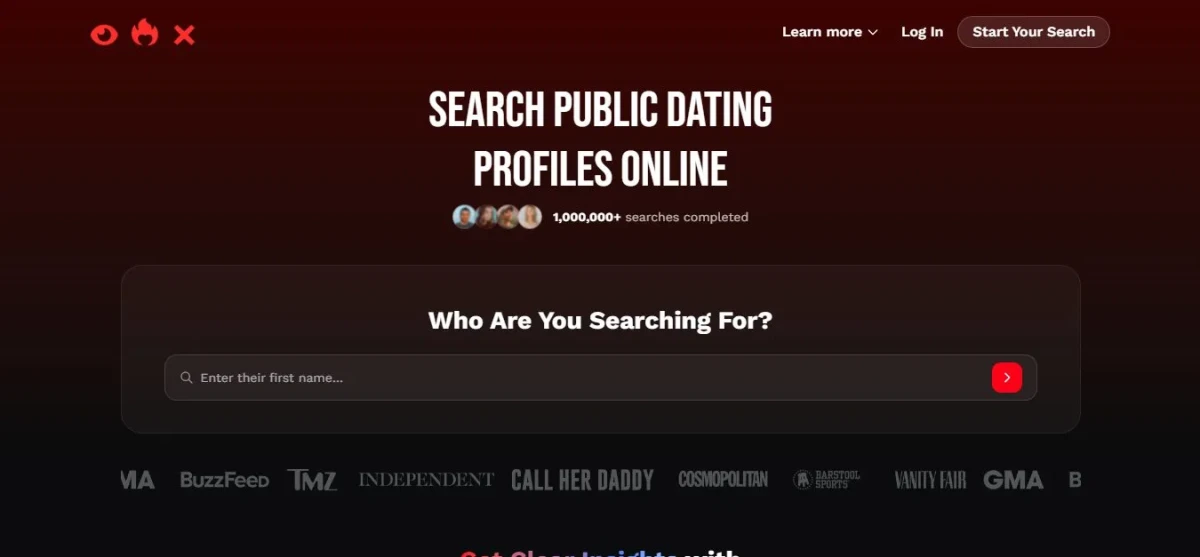
I started by typing in a single first name that was all the home page asked for before letting me continue. The "1,000,000+ searches completed" badge and the row of media logos under the field gave a strong first impression, though at this point I had nothing to actually judge it against.
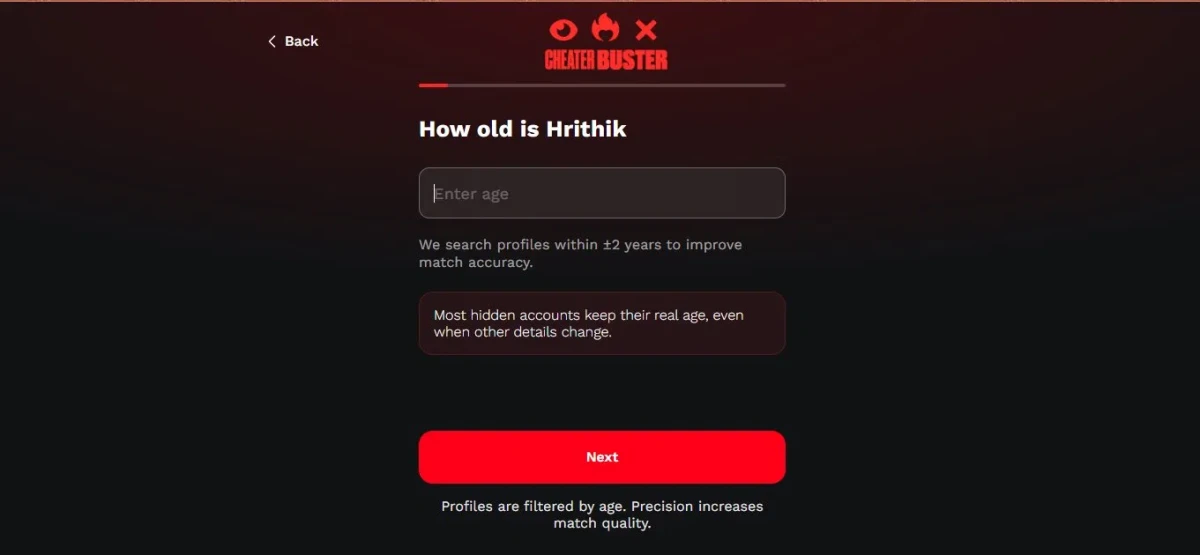
2. Age
I entered an age next. The screen told me it searches profiles within ±2 years for better matching and claimed most hidden accounts keep their real age even when other details change. It sounded reassuring, but it was a claim I had no way to verify, and I noticed the flow was already asking for more than I expected.
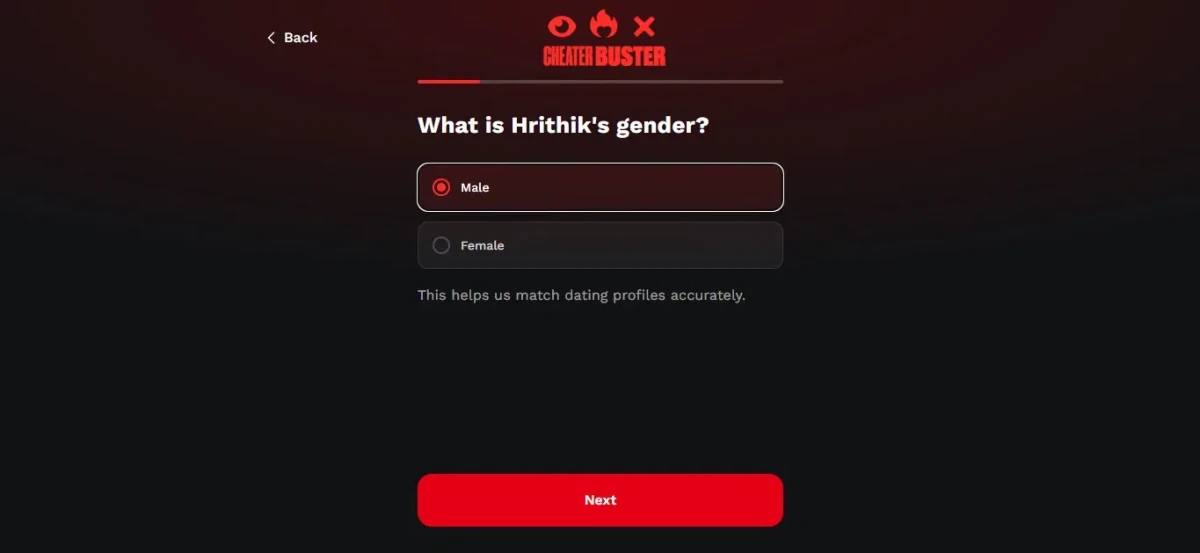
3. Gender
I picked from a simple Male or Female option. It was quick, and the screen framed it as a way to match dating profiles more accurately so I went along with it and moved on.
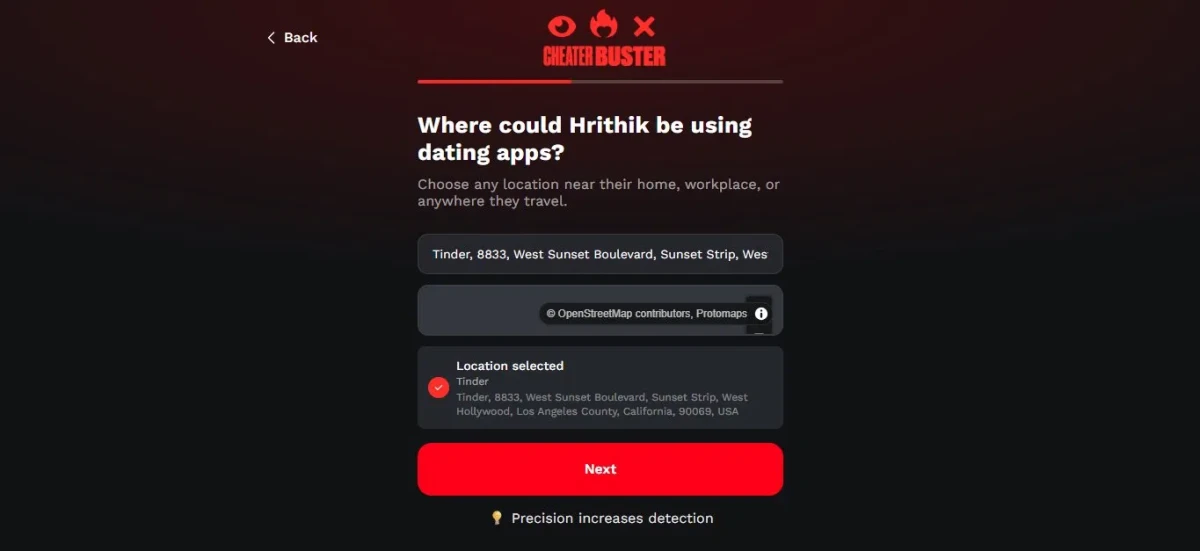
4. Location
I was shown a map and dropped a pin on a spot where the person might use dating apps. The prompt pushed me to be precise, saying precision increases detection. Placing a pin felt more involved than the earlier taps, and it was the first point where I paused and thought about how specific the information was getting.
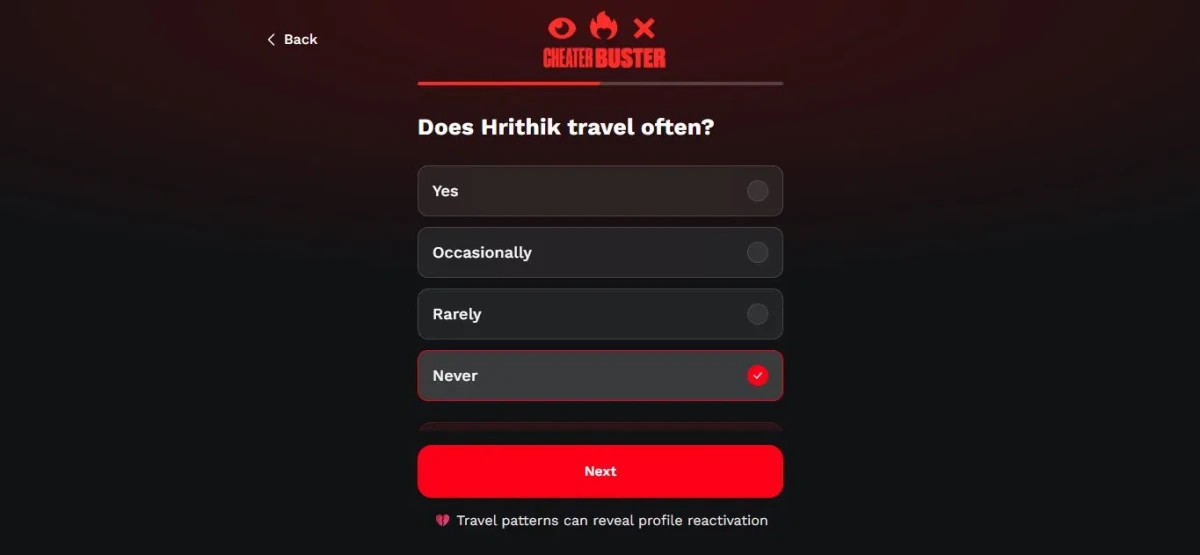
5. Travel frequency
I chose from four options , Yes, Occasionally, Rarely, Never for how often they travel. The screen told me travel patterns can reveal profile reactivation. By now I was clearly several steps in with still nothing to show for it.
6. Active times
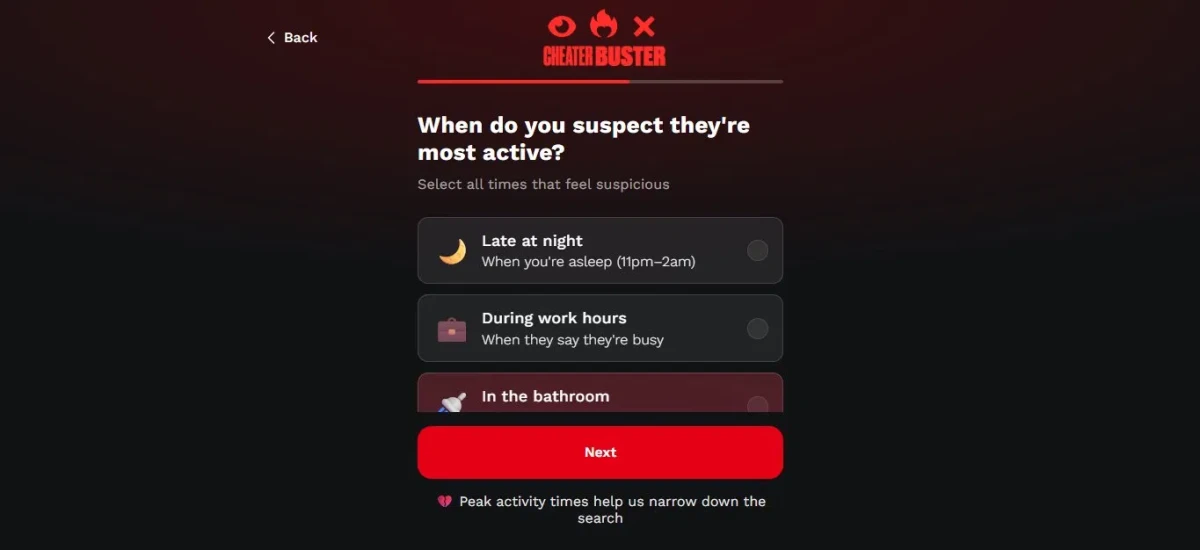
I worked through a multi-select for when the person seems most active: late at night, during work hours, or in the bathroom. The "in the bathroom" option stood out immediately it felt invasive, and it was the moment the flow started to feel uncomfortable rather than helpful.
7. Photo upload
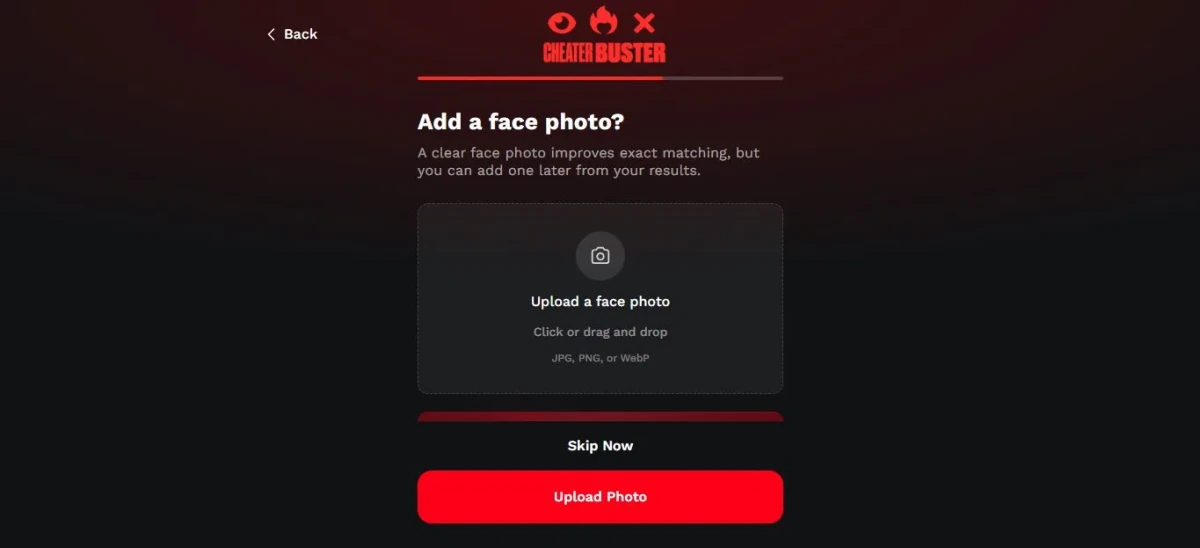
I reached an optional face photo upload, pitched as improving exact matching. I appreciated that I could skip it instead of being forced to hand over an image, so I tested the skip and it let me through without pushback.
8. Starting the search
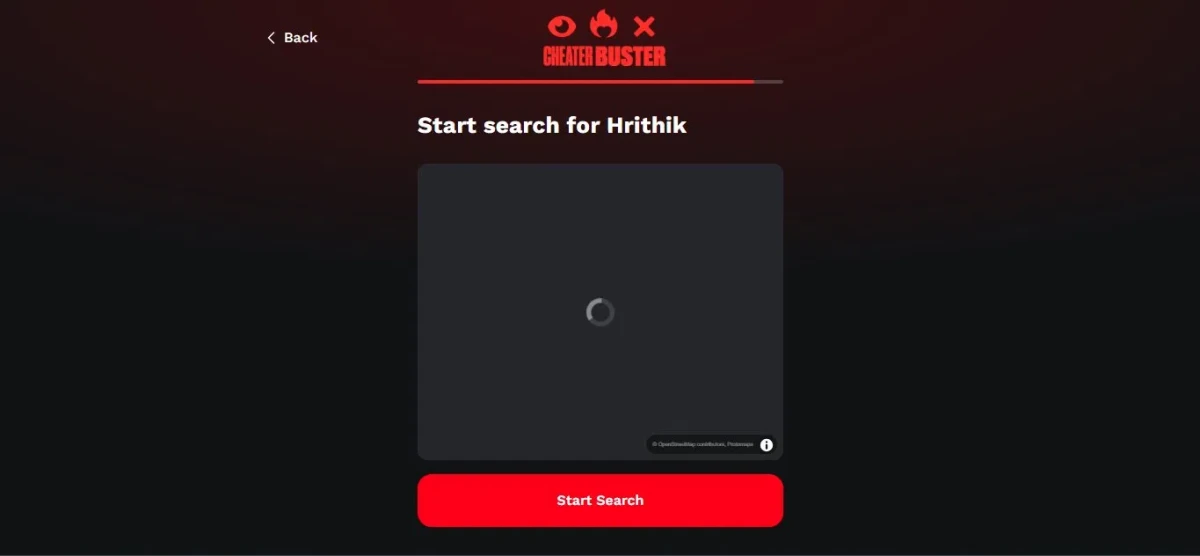
I landed on a screen with a loading map and a "Start Search" button. I hit it expecting this was finally the payoff after all the information I'd handed over.
9. The paywall
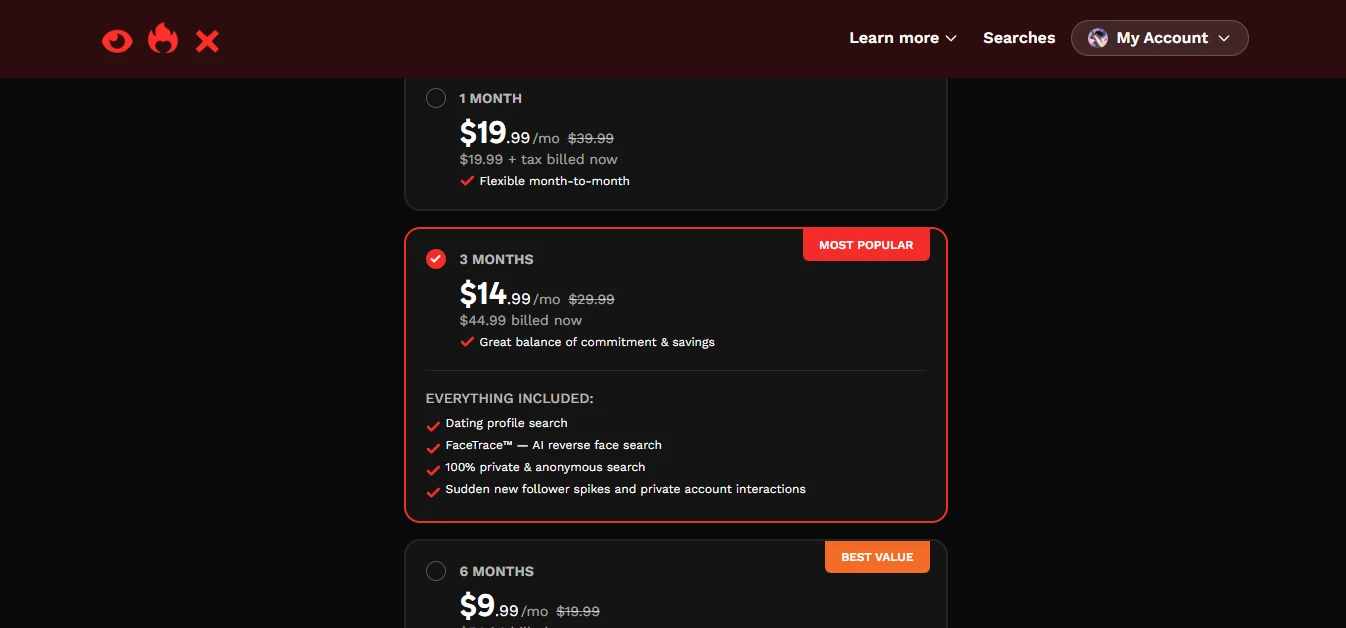
The search finished and instead of any result, everything was locked behind a paid subscription I had to buy first. After all those steps, this was where the experience fell apart: I was asked to pay before seeing a single thing.
What I liked
- Getting started was easy: it only needed a first name, so there was almost no barrier to begin.
- The credibility signals the "1,000,000+ searches completed" badge and the media logos made it feel trustworthy at the start.
- The location step was a nice touch; dropping a pin on a map felt interactive instead of just typing something in.
- Every screen explained why it needed the information, so the flow felt guided rather than random.
- The photo upload was optional with a clear skip option, so I wasn't forced into it.
What I disliked
- The flow was long and drawn out too many steps just to reach a result.
- Some of the options felt invasive and uncomfortable, especially "in the bathroom" for active times.
- It leaned hard on confident, unverifiable claims: that precision increases detection, that travel reveals reactivation, that hidden accounts keep their real age.
- It collected a lot of personal information across all those steps.
- The biggest letdown was the paywall. The moment the search finished, everything was locked behind a subscription, and I had to pay before seeing a single result.
- The whole thing built up the expectation that an answer was right around the corner, only to demand payment before showing anything. Asking for this much personal info and then revealing nothing is deeply disappointing a tool that collects this much should show at least something before requiring a purchase.