
Phrasly.AI Real Workflow Test
1. AI Humanizer Strength Test
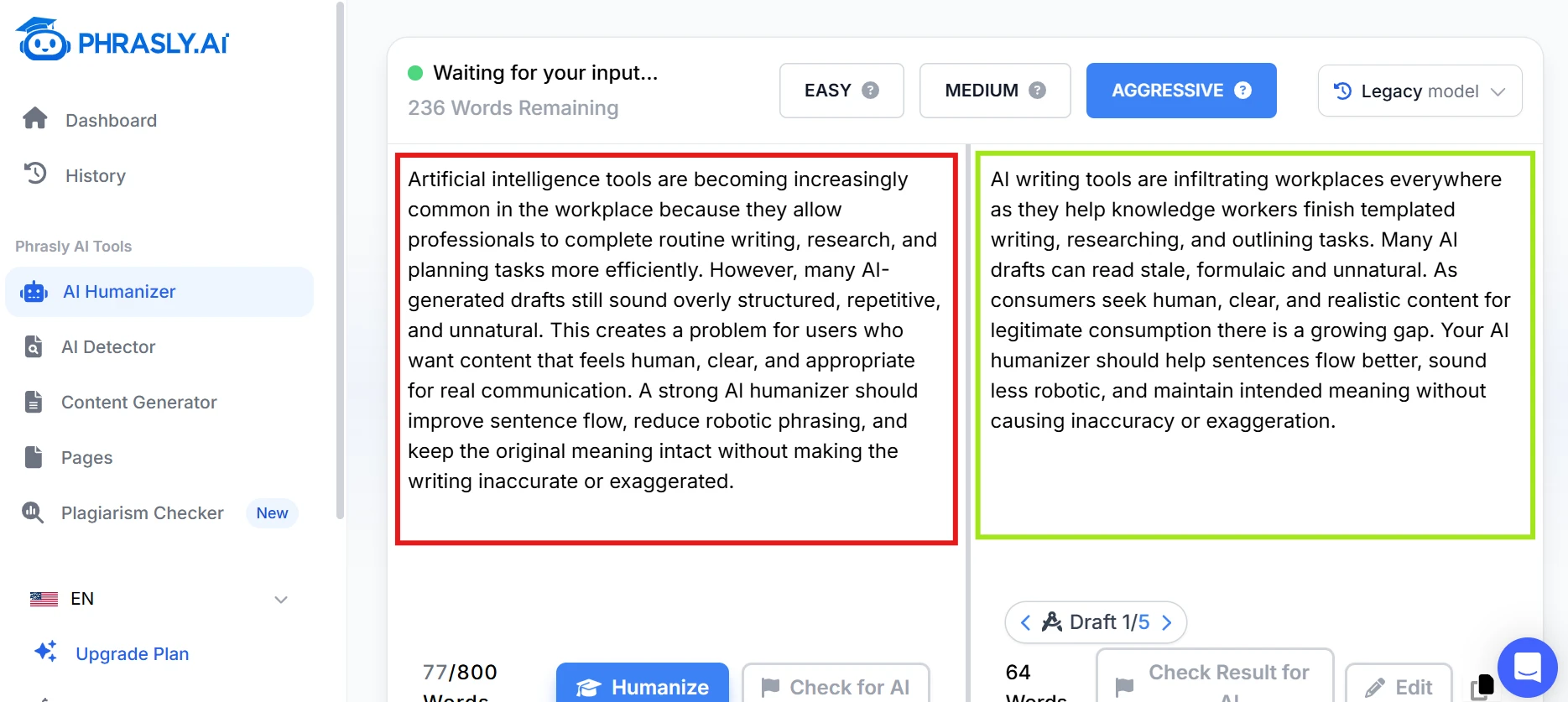
As you can see in the above image, Phrasly.ai humanised the text in seconds. The strength controls are useful because they let you decide how heavy the rewrite should be. Easy mode should feel like a cleanup, while Aggressive mode needs to do more than swap words. The main thing to watch is meaning drift. If the output sounds more natural but changes the point, that’s a real issue.
2. AI Detector Before-and-After Check
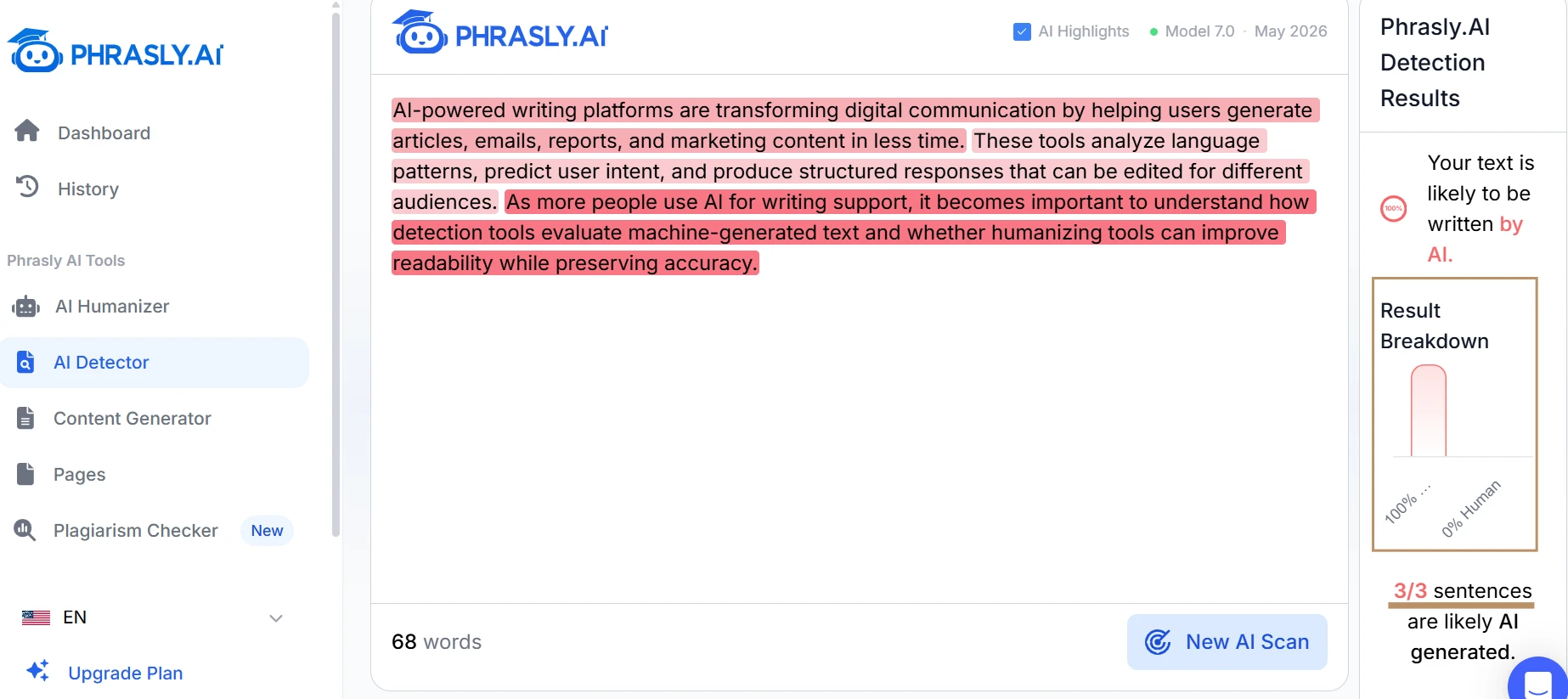
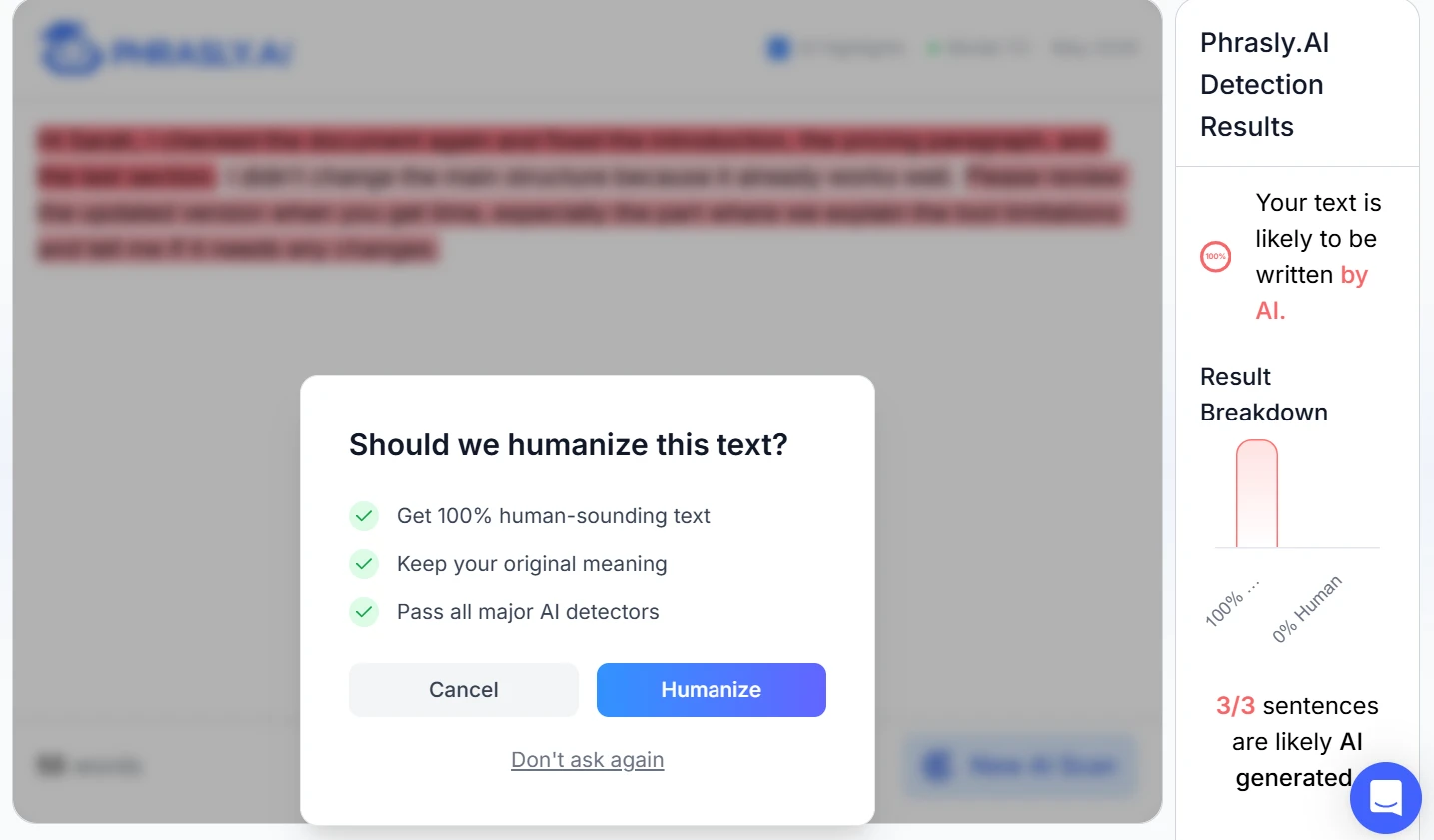
Here, the tool not just checks the score of the paragraph but also gives the option to rectify and humanise the text for you at the same place. This is the fastest way to see whether Phrasly’s two main tools actually work together. A good result should not just lower the AI score; it should also improve the writing. If the new version reads awkwardly or is over-edited, the lower score doesn’t mean much.
3. Word Counter Accuracy Test
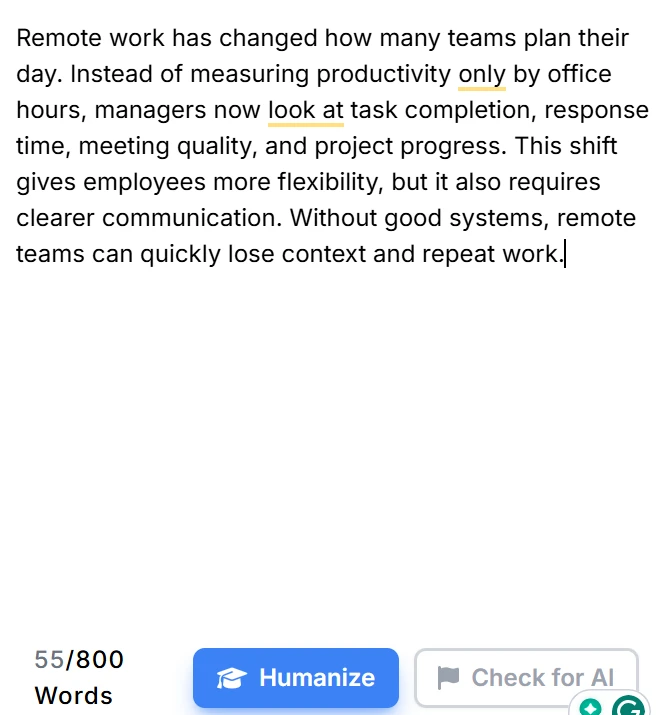
The word counter is simple, but that’s the point. It should update instantly and match standard writing tools closely. This is also a good place to check whether the page feels clean or whether it pushes users too quickly toward other Phrasly tools.