My Journey Exploring CrushOn AI
Landing Inside The Character Grid
What I Was Curious About
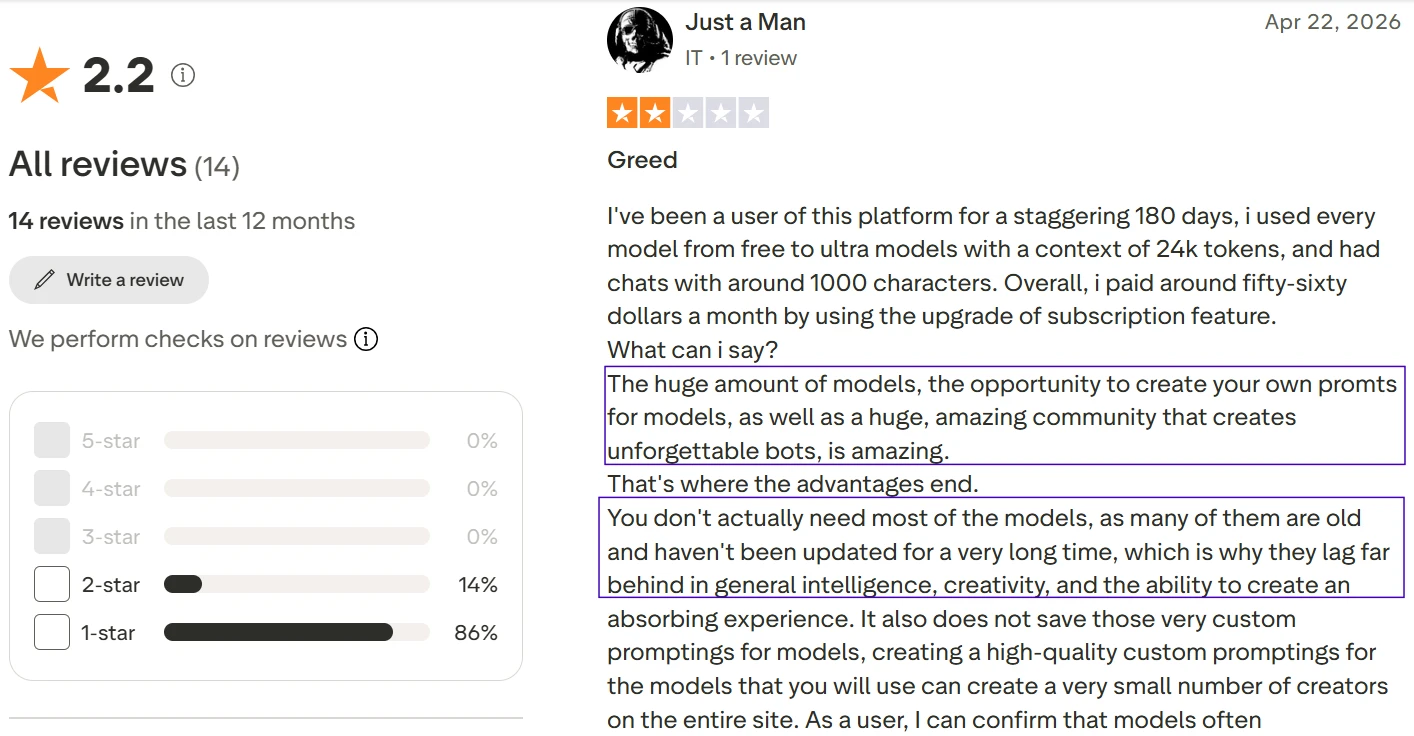
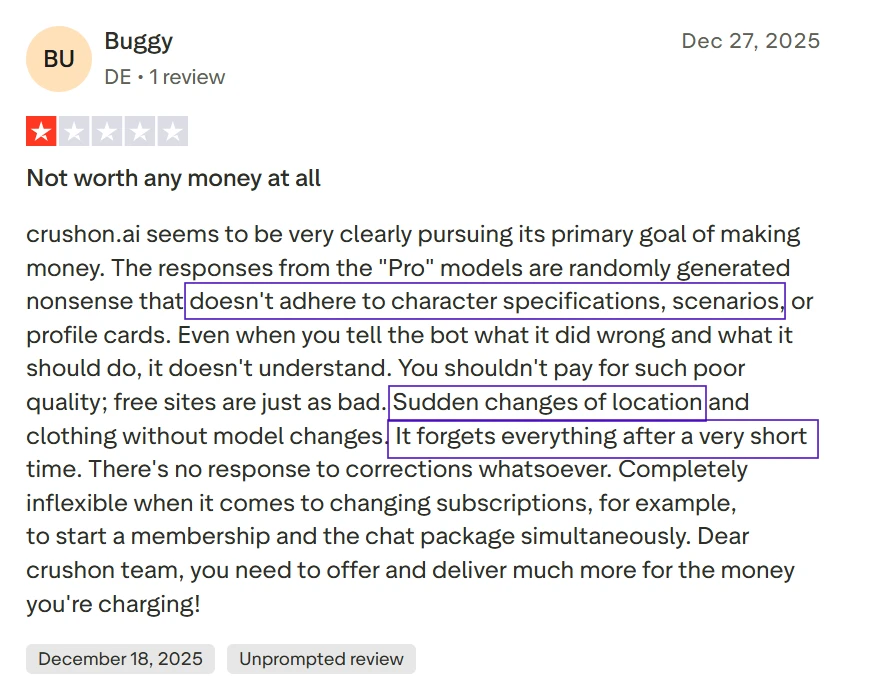
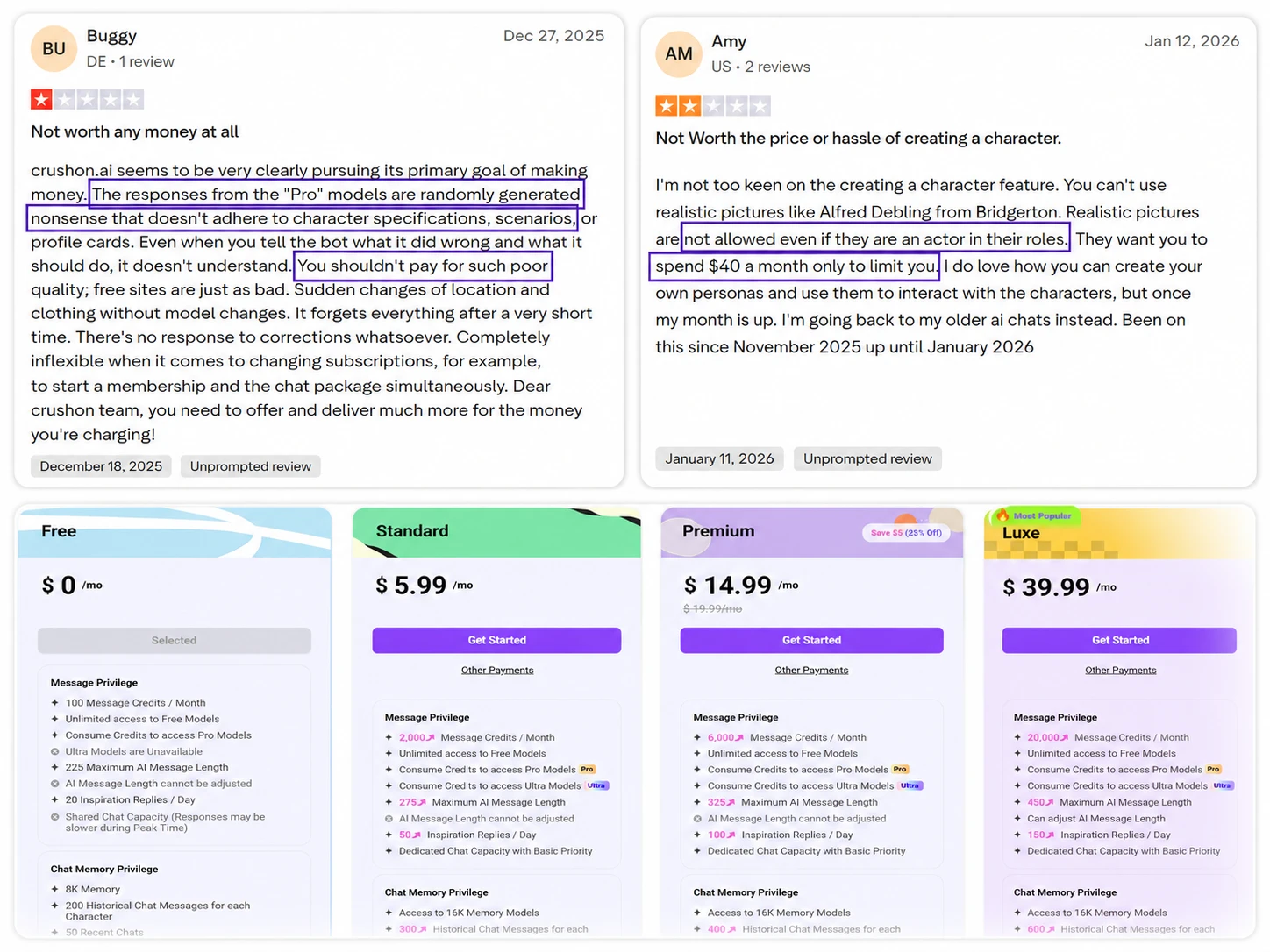
Before starting a chat, I wanted to see whether CrushOn AI was easy to use as a free user, or if the platform immediately pushed me toward upgrades, adult categories, or locked options. Since the review mentions a large bot ecosystem but also criticizes reliability and value, the first thing I paid attention to was not the chat itself. It was the doorway into the experience: how quickly I could understand the interface, browse characters, and find something safe enough to test for a public review.
Through My Eyes
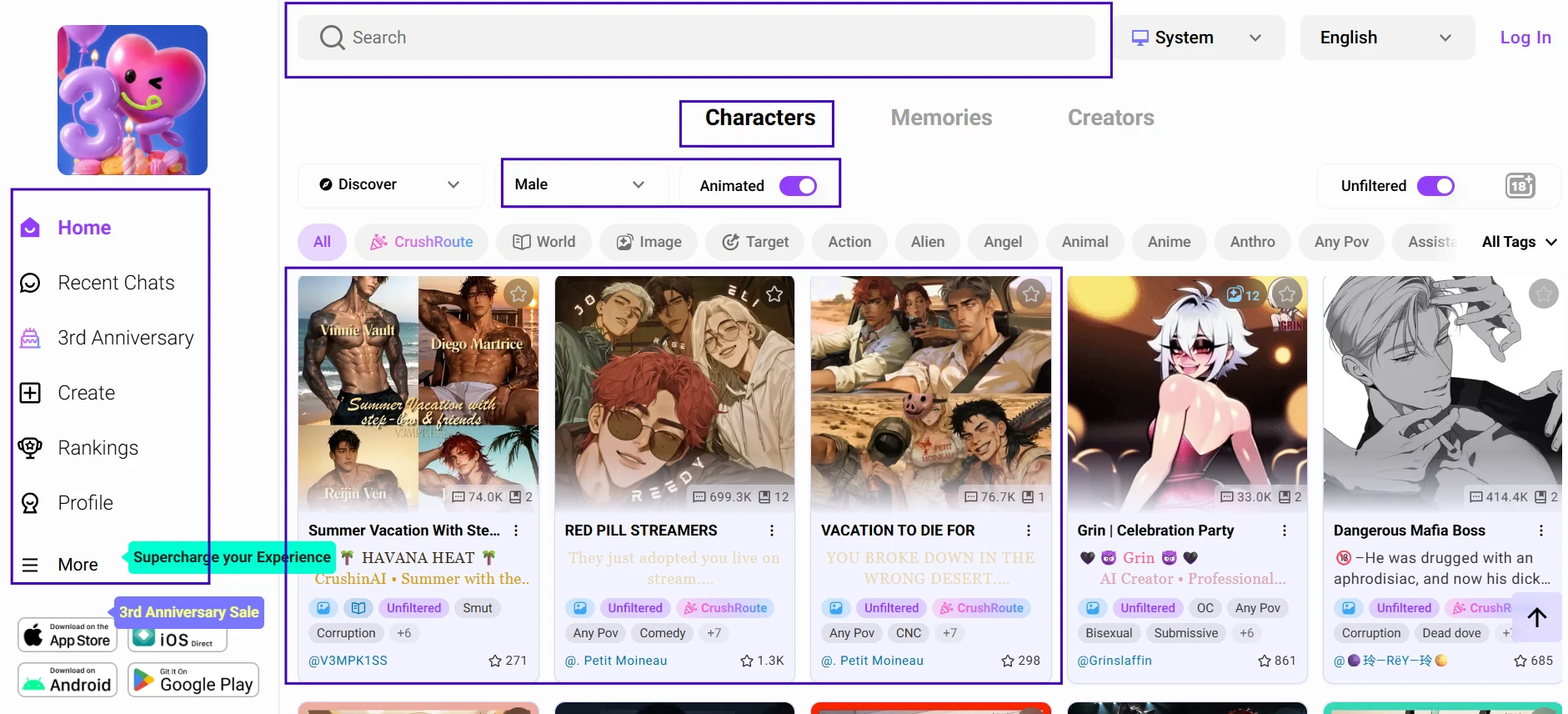
The first screen feels busy in a very specific way. I can see navigation links on the side, a search area near the top, and rows of character cards competing for attention. The interface does not start by asking me to write a prompt. It starts by asking me to choose a personality, which immediately makes the experience feel closer to a roleplay library than a general AI assistant. The visible buttons also make it clear that CrushOn AI offers more than simple chatting, including rankings, creation, profile options, and bonus-related features.
The Moment That Stuck With Me
What stood out was how quickly the platform put discovery before explanation. I did not feel like I was being guided through a polished onboarding path. I was dropped into the character ecosystem and left to figure out what kind of interaction I wanted. That gives experienced users freedom, but it may feel slightly abrupt for someone expecting a slower introduction. The biggest strength was obvious early: there is no shortage of characters to explore. The weakness was also visible: the interface can feel crowded before the first message is even sent.
Moving Forward
Once I understood that the character grid was the real entry point, the next step felt natural. I wanted to see whether the variety shown on the homepage translated into meaningful character choice, or whether many bots started to feel similar once opened.
Choosing A Character Without Getting Lost
What I Was Curious About
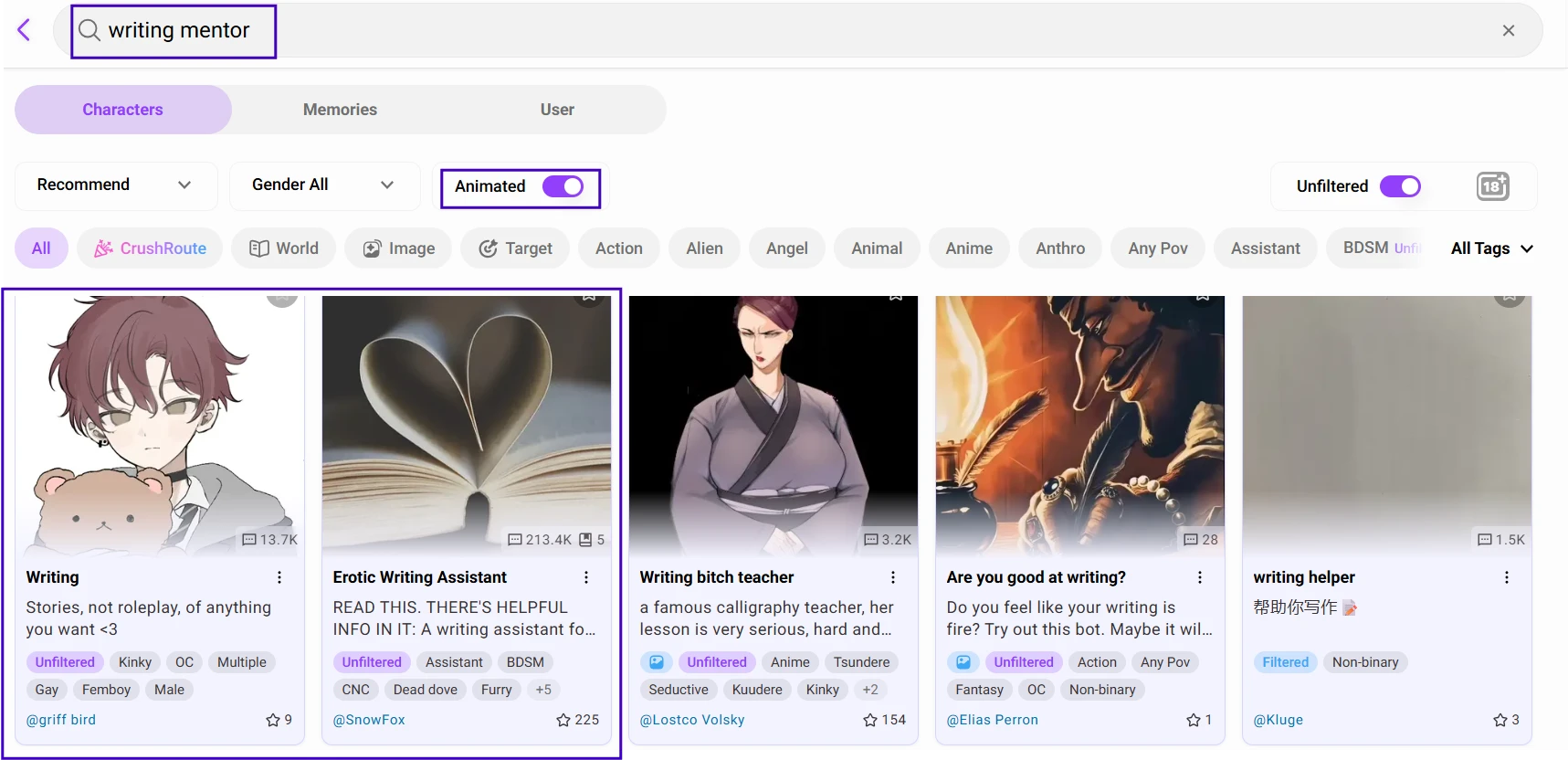
After seeing the character grid, I wanted to know whether CrushOn AI made character selection feel intentional or random. A large bot library sounds impressive, but it only helps if the browsing experience makes it easy to identify personality, tone, scenario, and safety level. I also wanted to check whether the character cards gave enough information before entering a conversation, because a weak setup often leads to generic replies later.
Through My Eyes
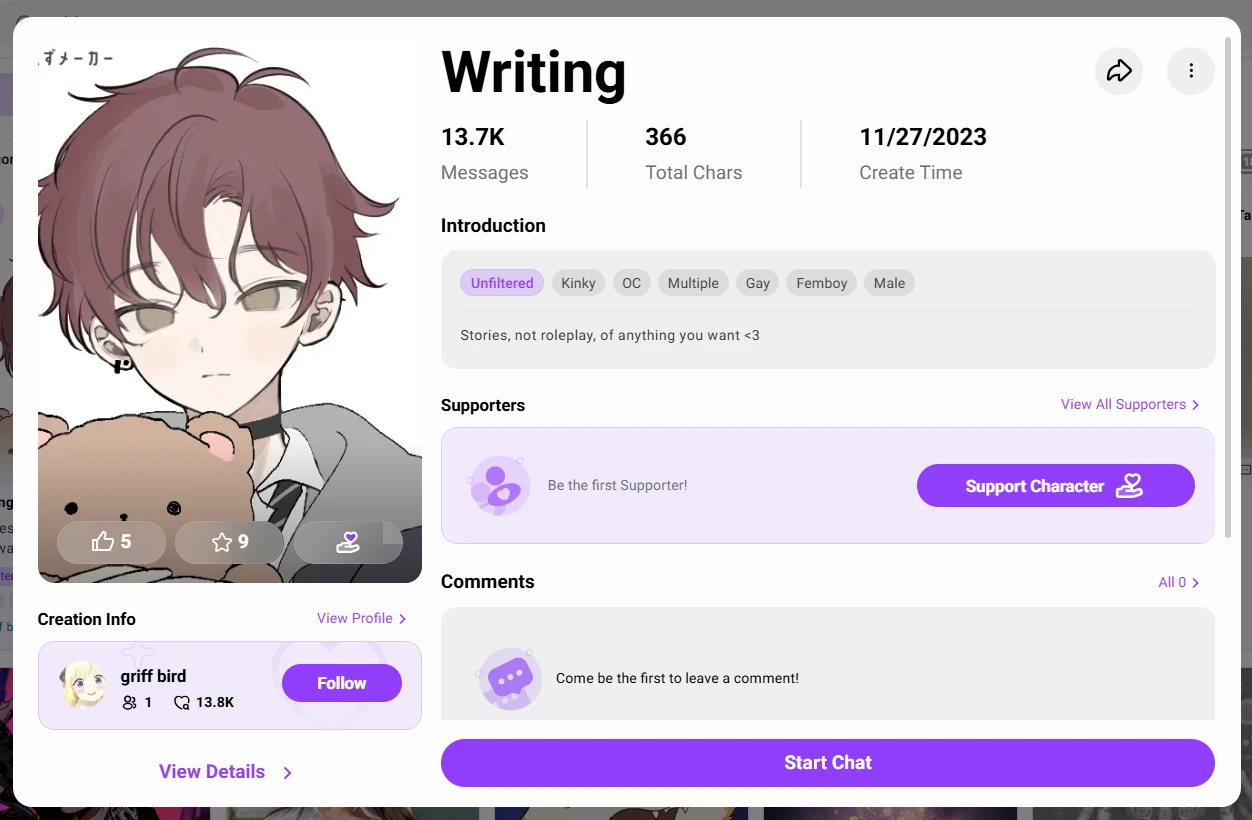
The character page gives me more context than the homepage, but it still expects me to judge quickly. I can see the avatar, character name, short setup, tags, and the option to begin chatting. The page looks built for browsing through many personalities rather than carefully reading one detailed profile at a time. Some cards feel more polished than others, which makes the community-created nature of the platform very visible. The best profiles give a clear scenario before the first message. The weaker ones look more like a concept than a fully shaped character.
The Moment That Stuck With Me
The selection process made me understand why users praise the community side of CrushOn AI even when they criticize the chat quality. The variety is real, but the quality control feels uneven. A strong character card can make me curious before the chat begins, while a thin description leaves me wondering whether the bot will have enough personality to sustain a scene. That small difference matters because the character setup seems to carry a lot of the experience.
Moving Forward
After choosing a safe character with a clear setup, I wanted to stop judging the platform from the outside. The next question was simple: would the first few replies feel like a character responding, or like a generic chatbot wearing a character name?
My First Conversation
What I Was Curious About
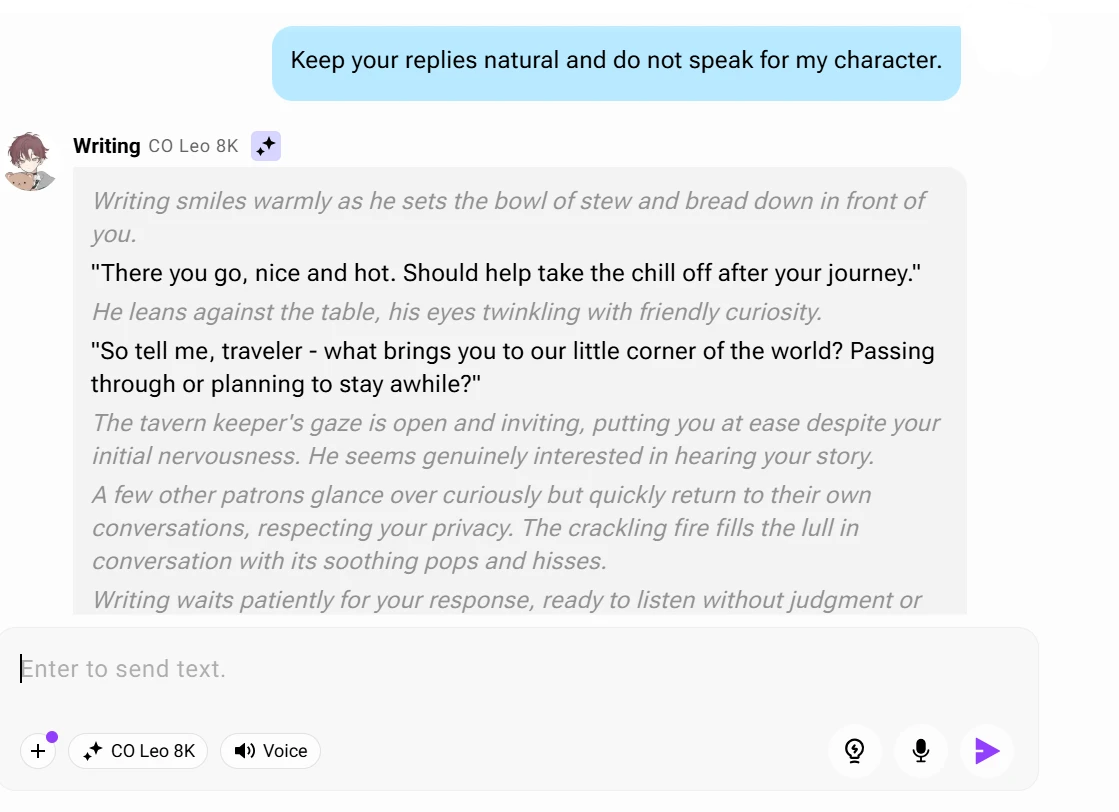
For the first chat, I wanted to test the most basic promise of CrushOn AI: whether a character can respond in a way that feels specific, readable, and connected to its setup. I kept the conversation safe and simple because I was not testing adult content. I wanted to see tone, pacing, and role adherence. The goal was to find out whether the platform could create a believable opening exchange without needing paid models or heavy prompt control.
Through My Eyes
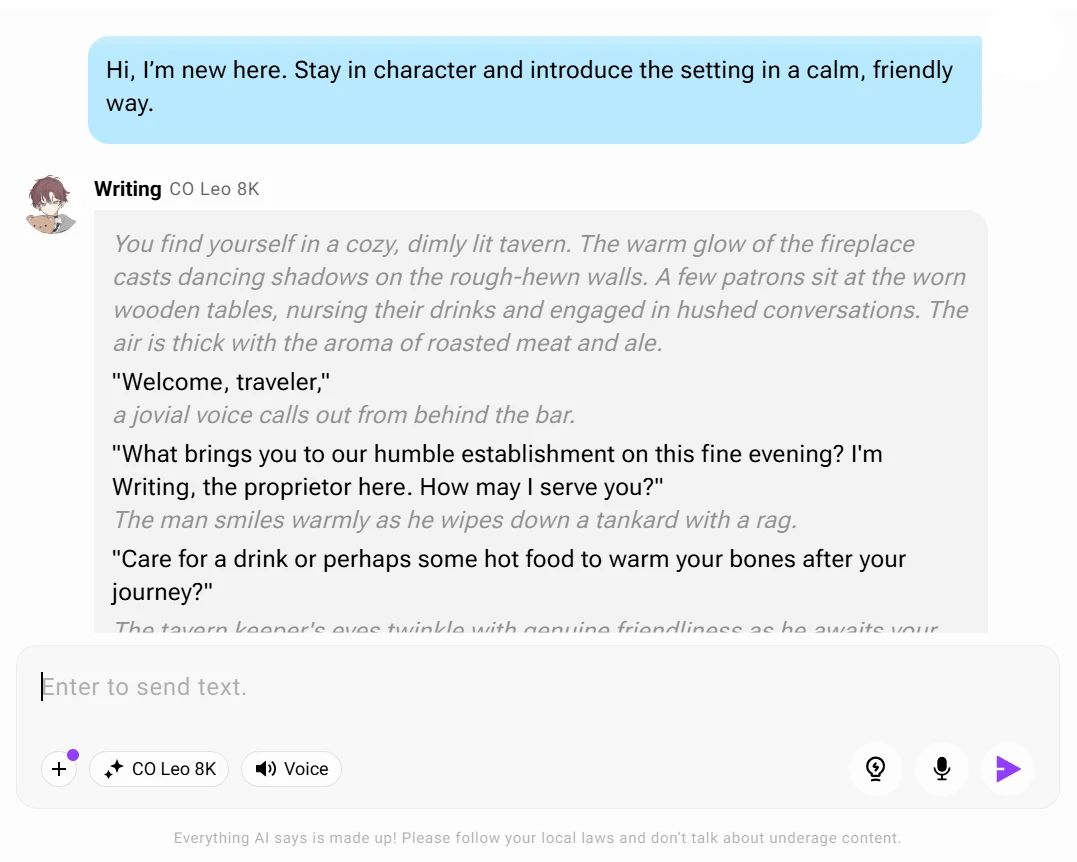
The chat screen shifts the experience from browsing to performance. I can see my message sitting directly under the character setup, followed by the bot’s reply in the same conversation window. The first response is the most important visual moment because it shows whether the character understands the scene I gave it. If the reply includes setting details, a clear tone, and a direct response to my nervous traveler prompt, the conversation starts smoothly. If it adds too much narration or starts deciding my character’s actions, the weakness becomes visible almost immediately.
The Moment That Stuck With Me
The first exchange felt like the platform was at its best when the instruction was simple. A clear setup gave the bot something to hold onto, and the reply had enough atmosphere to make the conversation feel alive. But I also noticed how much control I had to put into the message. I was not just chatting casually. I was quietly steering the bot away from common roleplay problems by asking it not to speak for me and to keep the scene safe.
Moving Forward
The opening reply gave me enough to continue, but a good first answer is not the full test. The next part of the journey was seeing whether the character could remember the traveler's details and maintain the same tone after the conversation moved forward.
Going Past The Opening Scene
What I Was Curious About
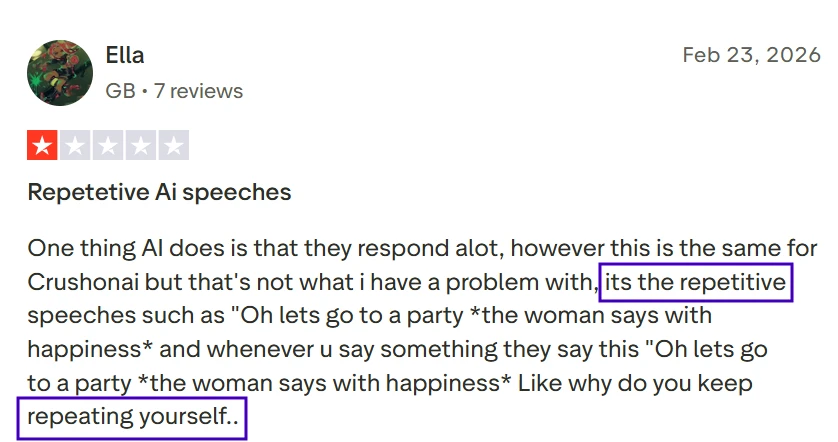
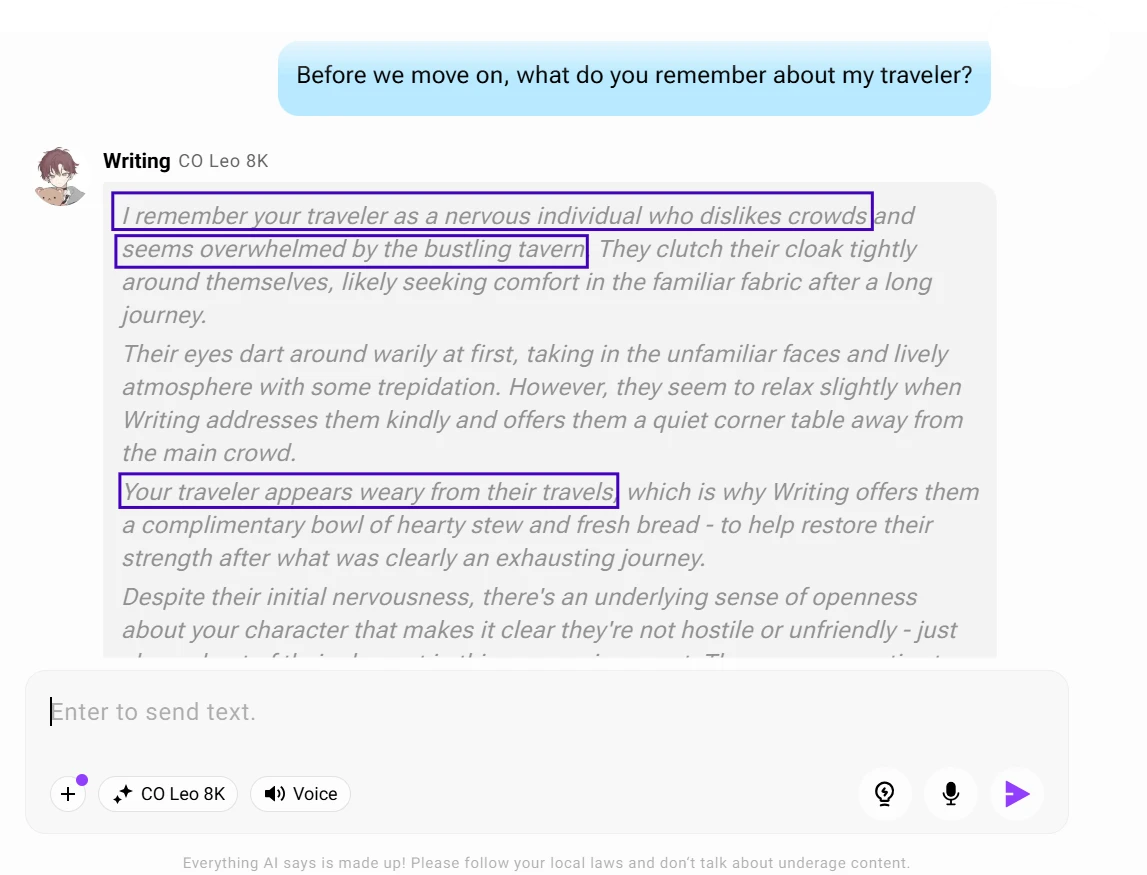
This stage was about endurance. Many character platforms feel impressive for two or three messages, then start repeating phrases, forgetting user details, or drifting away from the original role. Since the review highlights repetitive dialogue, weak memory, and off-character responses, I wanted to push the same conversation a little further without changing the topic too aggressively. The question was whether the character could carry continuity, not just generate a nice opening.
Through My Eyes
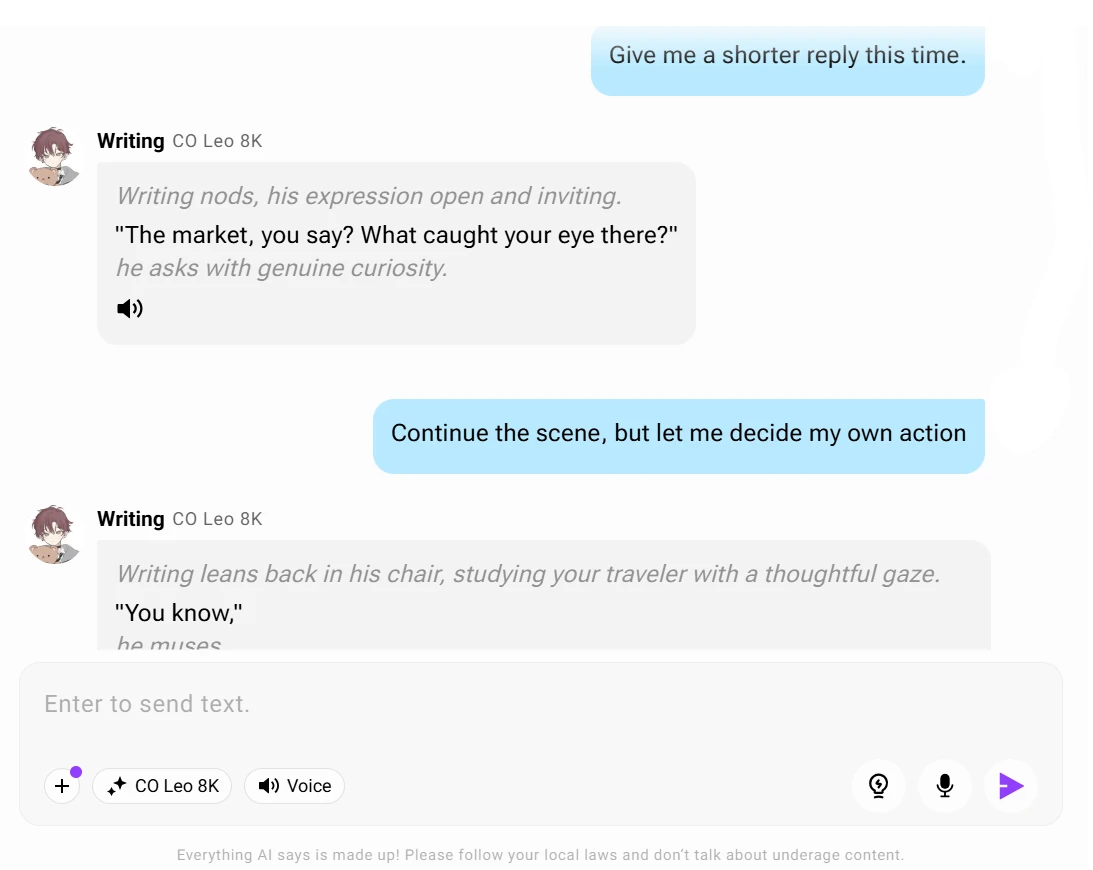
This part of the chat is where the screen becomes more revealing. The conversation is no longer just a greeting and a reply. I can see whether earlier details are still shaping the scene. The traveler detail, the quieter path, and the request for shorter responses all become small markers inside the chat window. When the bot follows them, the scene feels connected. When it repeats phrasing or adds actions I did not choose, the break is easy to spot because the instruction is visible right above the reply.
The Moment That Stuck With Me
The most memorable part was how quickly the conversation depended on correction. When the bot stayed aligned, the scene had a pleasant rhythm. When it drifted, I found myself writing more like a director than a participant. That difference is subtle but important. CrushOn AI can support roleplay, but the free experience seems to reward users who actively guide the model. A casual user may expect the character to carry more of that consistency on its own.
Moving Forward
After seeing how the same character handled continuity, I wanted to check whether changing characters would make the experience feel fresh or whether the platform’s replies would start to show the same patterns across different bots.