Pixverse Workflow Testing Breakdown
Test 1: Text-to-Video Prompt Adherence Check
Objective- Verify the review’s claim that PixVerse can create visually strong clips, but prompt adherence and overall usefulness may vary.
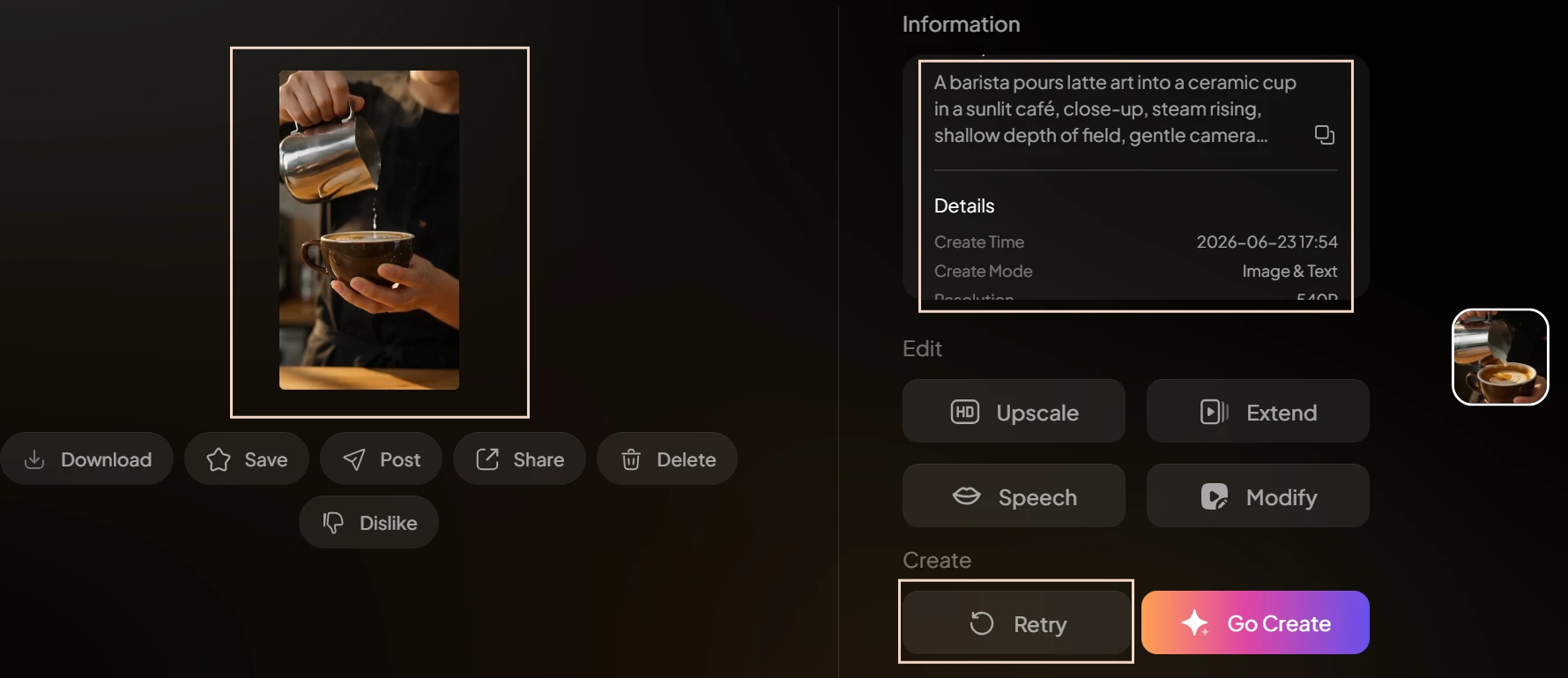
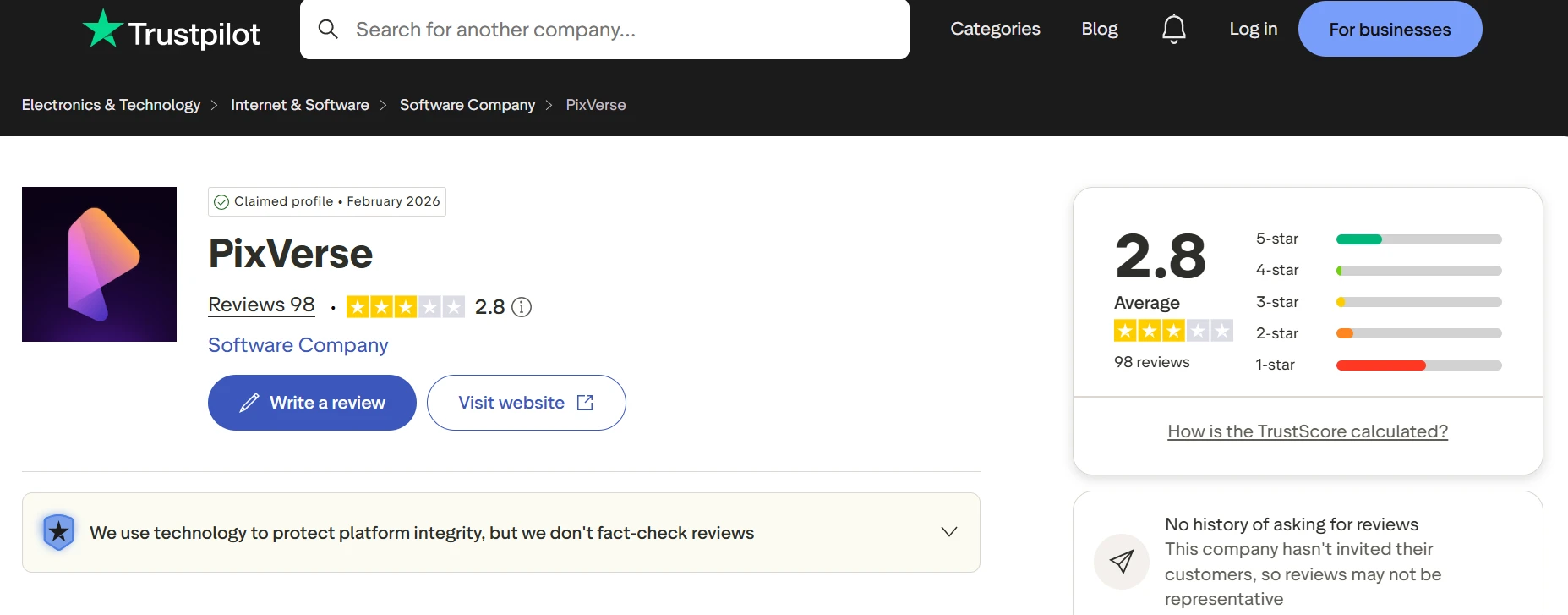
As shown above, I generated a short café scene using a simple text prompt and kept the settings fairly basic. The finished clip appears directly inside PixVerse’s creation panel, with the prompt and video preview visible on the same screen. Here, I can also see the vertical format and the overall visual style the tool produced from that single prompt.
What This Test Proves- This test checks the core output-quality claim in the review. It shows whether PixVerse can turn a plain English prompt into a usable short-form clip, which is the most important first check for creators testing the platform on free credits.
Test 2: Image-to-Video Face Stability Check
Objective- Verify the review’s claim that image-to-video can work well in some cases, but may also introduce facial distortion or unwanted motion.
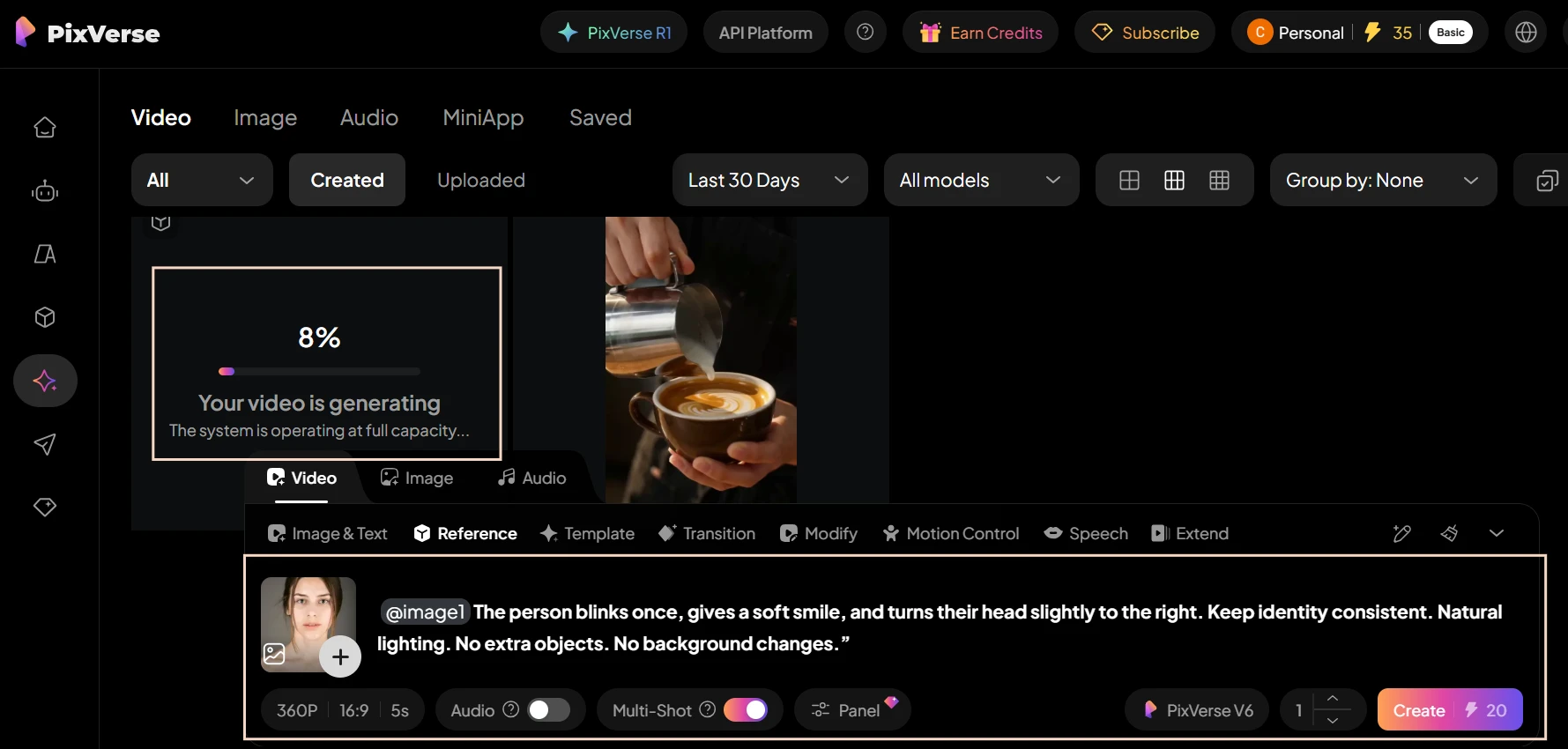
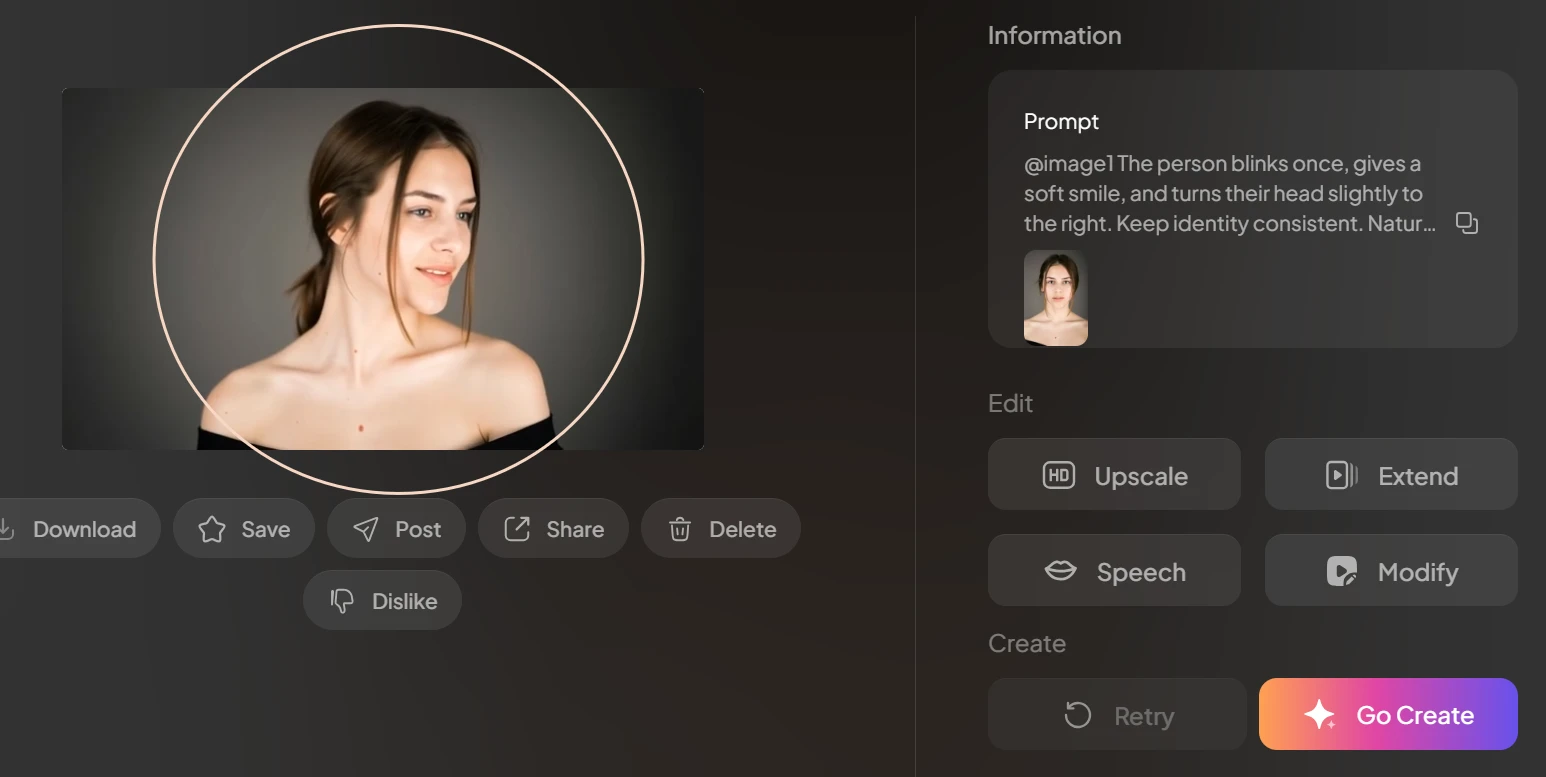
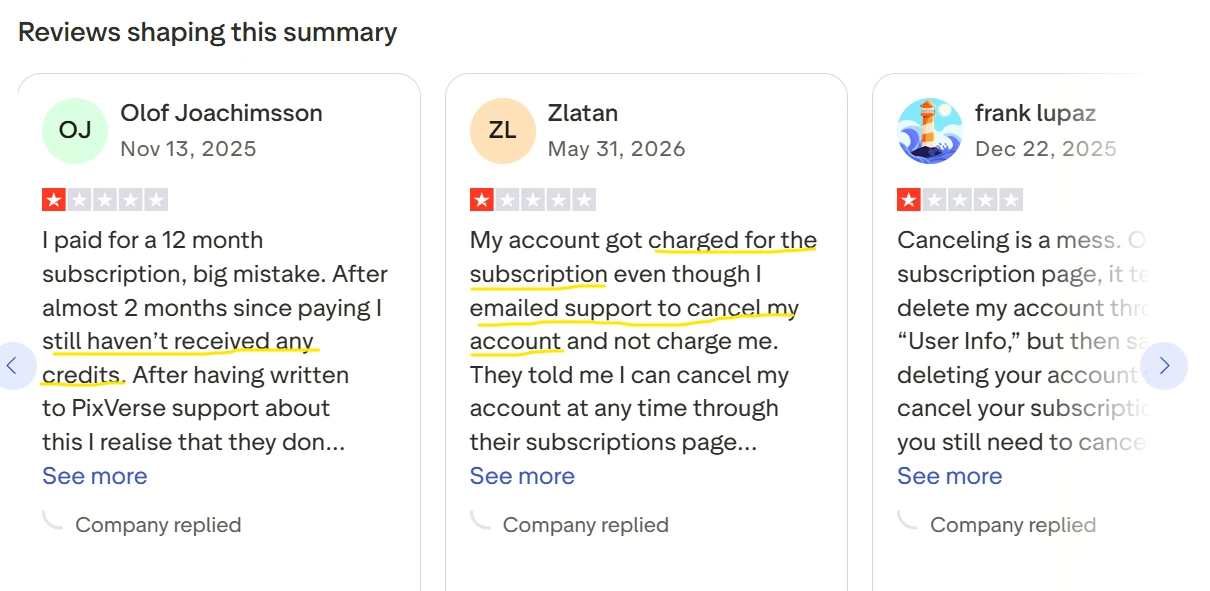
In this test, I used a single portrait image as the source and animated it with a very small motion prompt. The screenshot shows both the original input and the generated result inside the same workflow. Here, I can check whether the face stays recognizable and whether the movement remains limited to the blink, smile, and slight head turn I asked for.
What This Test Proves- This is a practical check on subject consistency, especially around faces. That matters because image-to-video is only useful if users can trust the model to preserve identity instead of changing facial features or inventing new details.
Test 3: Free Credits and Watermark Transparency Check
Objective- Verify the review’s claim that the free-plan experience is usable for testing, while credit behavior and output restrictions need close attention.
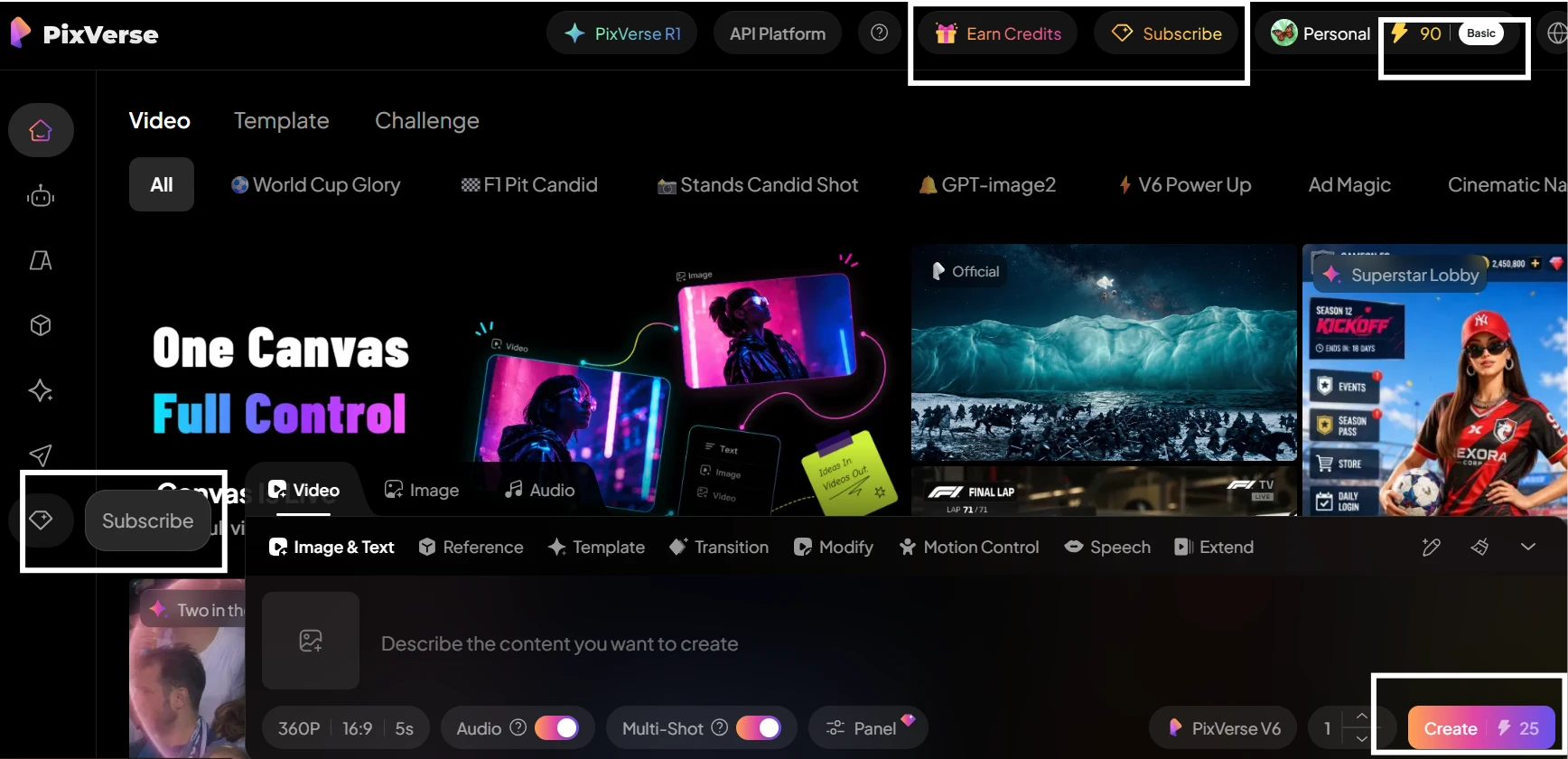
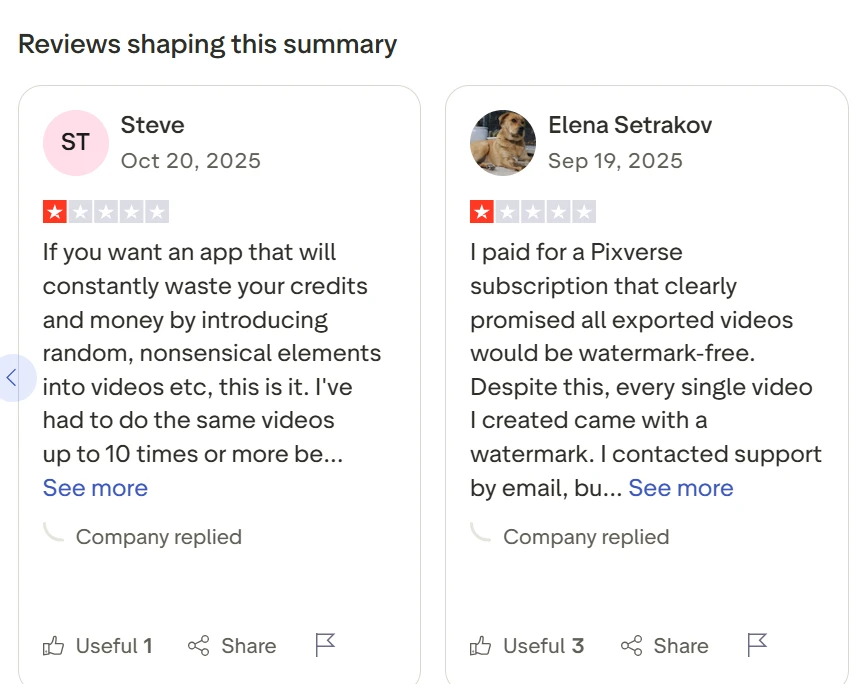
Here, I can see the finished product-style clip along with the surrounding PixVerse interface. The useful part of this screenshot is that it also leaves the account area and output view visible, so I can inspect how the free-plan generation looks in practice and whether there are obvious usage or export limitations attached to it.
What This Test Proves- This is the closest free-tier validation of the billing-and-credits concern raised in the review. For new users, visible credit behavior and clear output restrictions matter because they shape whether the tool feels predictable or frustrating to test.
Test 4: Public Share Link Privacy Check
Objective- Verify the review’s claim that generated assets may be accessible through public URLs, which directly affects privacy and trust.
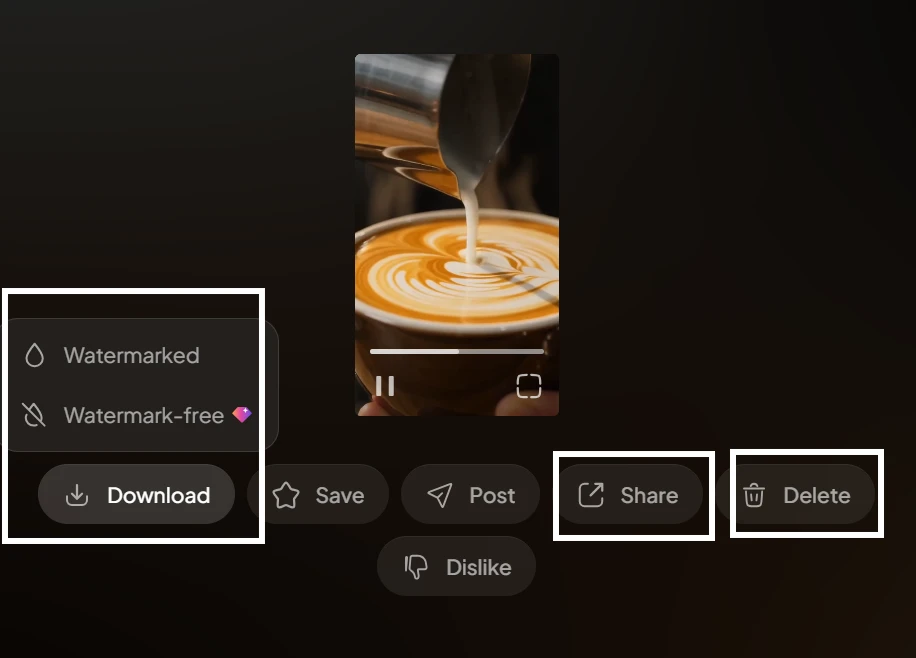
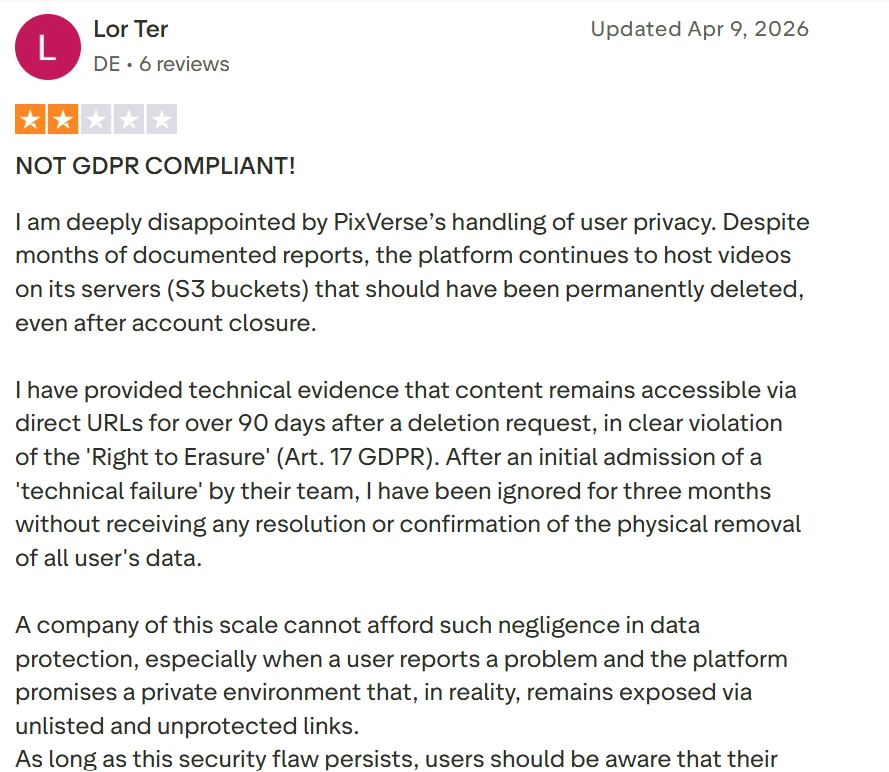
As shown in this screenshot, I opened the shared asset link outside my logged-in workspace to see how PixVerse handles access. The page visible here is the result of that test. What matters on-screen is whether the clip itself is directly viewable or whether the platform stops access before the media loads.
What This Test Proves- This test directly checks the privacy and trust issue highlighted in the review. If a shared asset opens without authentication, that is important for users working with client material, personal images, or drafts they assumed were not broadly accessible.