

What Asana and Monday.com Actually Are
Before comparing features, it is important to understand how these tools behave in real work environments.
Asana is built around structure. It organizes work into tasks, subtasks, timelines, and dependencies. Everything has a clear place, and workflows follow a consistent pattern. When using Asana, it feels like you are operating inside a system that is already designed to keep teams aligned.
Monday.com works differently. It is more like a flexible workspace where you build your own system using boards, columns, and automations. It adapts to your process instead of enforcing one.
In simple terms:
● Asana gives you a system that already works
● Monday gives you tools to build your own system
This difference shows up in every part of daily usage.
Ease of Use and Onboarding
The difference between these tools becomes clear within the first few days.
Asana feels structured from the start. Projects, tasks, and timelines are easy to understand, and most users can begin working without much training.
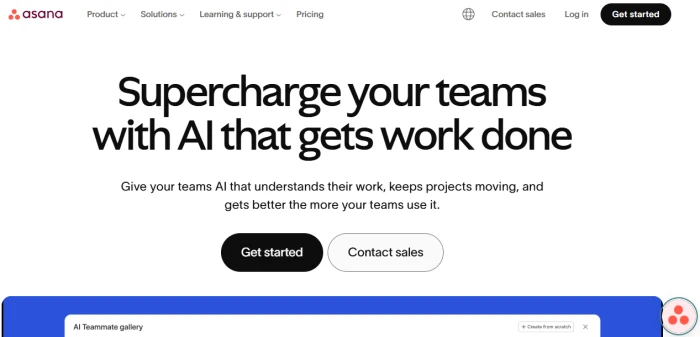
Monday.com looks visually appealing but takes longer to learn. You need to understand boards, groups, columns, and how everything connects before it starts making sense.
What I experienced
● Asana was usable within hours without tutorials
● Monday required setup decisions before real work could begin
● Asana reduced onboarding time for new team members
Where things slow down
● Monday slows you down early because of setup complexity
● Asana rarely creates confusion but can feel restrictive later
Takeaway: Asana is easier to adopt and faster to start.
Task and Project Management
Daily task handling is where these tools are actually tested.
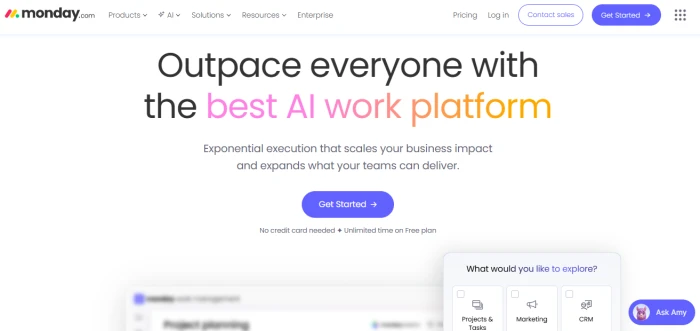
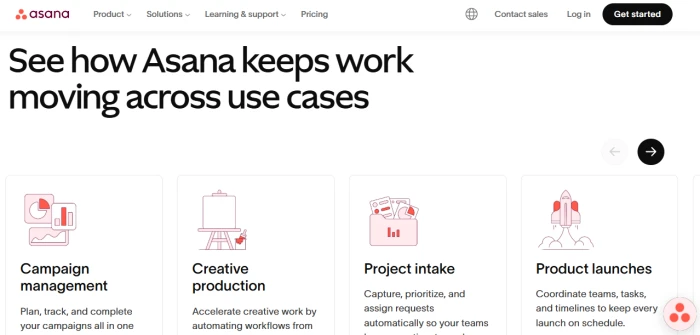
Asana keeps everything clean and predictable. Tasks, subtasks, and dependencies follow a clear hierarchy, which makes tracking work straightforward.
Monday.com allows more flexibility, but that flexibility can create inconsistency if teams are not disciplined.
Real usage experience
● Asana keeps tasks structured and easy to track
● Monday allows customization but requires more maintenance
● Asana is better for consistency across projects
Friction points
● Monday boards can become cluttered over time
● Asana can feel rigid when workflows do not fit its structure
Automation and Recurring Workflows
Automation saves time when used correctly.
Asana provides simple automation that works reliably for assigning tasks, setting reminders, and updating statuses.
Monday offers more advanced automation options, but they require more setup and management.
Real experience
● Asana automation is quick to set up
● Monday allows deeper customization
● Asana works better for standard workflows
Team Collaboration and Communication
The collaboration style differs significantly between the two tools.
Asana keeps communication tied directly to tasks. Comments, updates, and files stay within context, which reduces confusion.
Monday mixes updates, notifications, and activity feeds. It works, but it can feel noisy in busy teams.
Real usage
● Asana keeps communication focused
● Monday creates more notifications and noise
● Asana reduces unnecessary back-and-forth
Pricing Breakdown
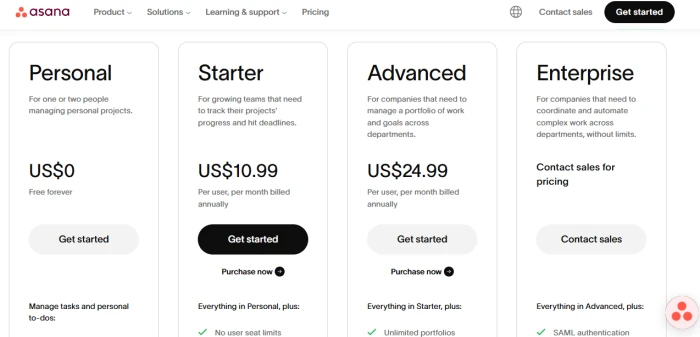
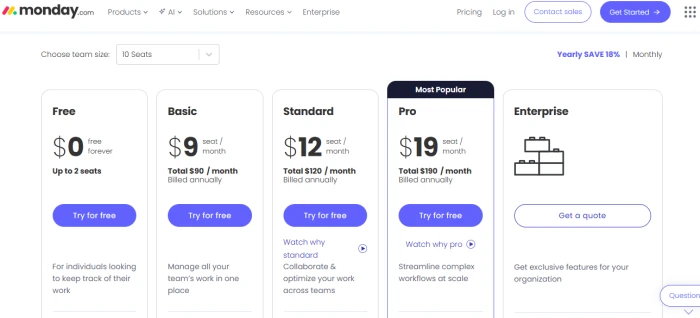
| Plan | Asana Pricing | Monday.com Pricing |
| Free | Up to 10 users | Up to 2 users |
| Entry-Level | Starter: $13.49 per user/month | Basic: $12 per user/month |
| Mid-Tier | Advanced: $30.49 per user/month | Standard: $14 per user/month |
| High-Tier | Enterprise: Custom | Pro: $24 per user/month |
| Enterprise | Custom pricing | Custom pricing |
Ratings and Reviews
| Tool | Rating |
| Monday.com | 4.9/5 |
| Asana | 4.6/5 |
What users actually prefer
Monday.com
● Strong visual dashboards
● High customization flexibility
Asana
● Clear structure and usability
● Faster team adoption
Feature Comparison Table
| Feature | Asana | Monday.com |
| Pricing | Moderate pricing with a strong free plan for up to 10 users, making it easier for small teams to start | Lower entry pricing but becomes expensive faster due to per-seat costs and feature upgrades |
| Ratings | 4.6/5 with strong feedback on usability and structure | 4.9/5 with high ratings for flexibility and visual appeal |
| Ease of Use | Structured and intuitive, most teams can start using it without training | Flexible but requires setup and learning before teams become comfortable |
| Task Management | Clean task hierarchy with subtasks, dependencies, and clear ownership | Customizable task setup using boards and columns, but can become inconsistent |
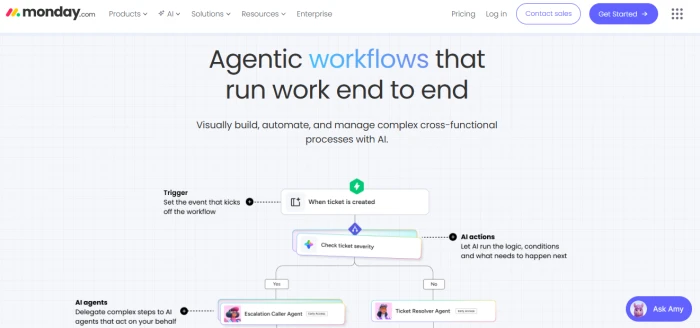
| Automation | Simple and reliable automation for common workflows like assignments and reminders | Advanced automation with more control, but requires setup and ongoing management |
| Reporting | Clear and ready-to-use reports for quick insights without setup | Visual dashboards that are powerful but require time to configure properly |
| Customization | Limited customization but ensures consistency across projects | Highly customizable workflows, which can lead to flexibility or chaos depending on usage |
Real Pros and Cons
Asana
Pros
1. Asana keeps projects structured, which makes it easier for teams to stay aligned without constant oversight.
2. It reduces confusion by maintaining a consistent system for tasks, deadlines, and ownership.
3. It performs well in environments where speed and clarity matter more than flexibility.
Cons
1. Asana can feel rigid when workflows require customization beyond its structure.
2. It lacks deeper flexibility for teams with complex or evolving processes.
Monday.com
Pros
1. Monday allows deep customization, which makes it suitable for teams with unique workflows.
2. It provides strong visual dashboards that help track progress and performance.
3. It integrates well into complex systems with multiple tools.
Cons
1. Monday can become messy if workflows are not carefully managed.
2. It requires ongoing setup and maintenance, which slows teams down over time.
3. Flexibility often leads to inconsistency across projects.
Real-World Use Case Breakdown
Best for Small Teams
Asana is better for small teams because it is easy to set up, requires minimal training, and keeps workflows clear from the start.
Best for Agencies or Client Work
Asana works better for agencies managing multiple clients because it maintains structure and prevents projects from becoming disorganized.
Best for Scaling Businesses
Asana performs better as teams grow because consistency becomes critical at scale.
Best for Teams Needing Heavy Customization
Monday is the better choice for teams that need highly customized workflows, dashboards, and integrations.
Final Verdict
Asana is the better tool for most teams.
It is structured, reliable, and easier to use daily. It reduces confusion, speeds up onboarding, and keeps projects moving without constant maintenance.
Monday.com is the smarter choice in specific scenarios where customization is critical and workflows are complex.
But in real-world project management where clarity, consistency, and execution matter, Asana performs better.



Comments 0
Join the discussion and share your perspective.
Sign in to post a comment and reply to other readers.
No comments yet
Be the first to share your perspective on this article.