
Grammarly Hands-On Testing
Basic Grammar and Typo Cleanup
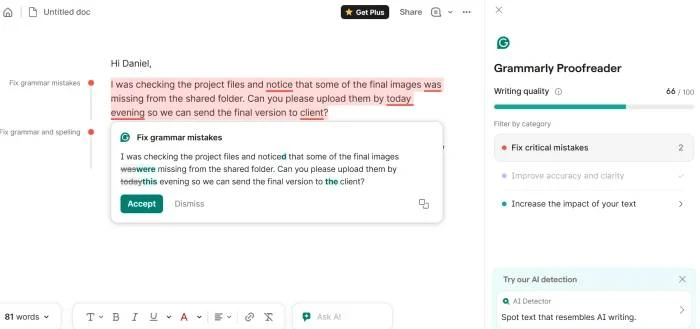
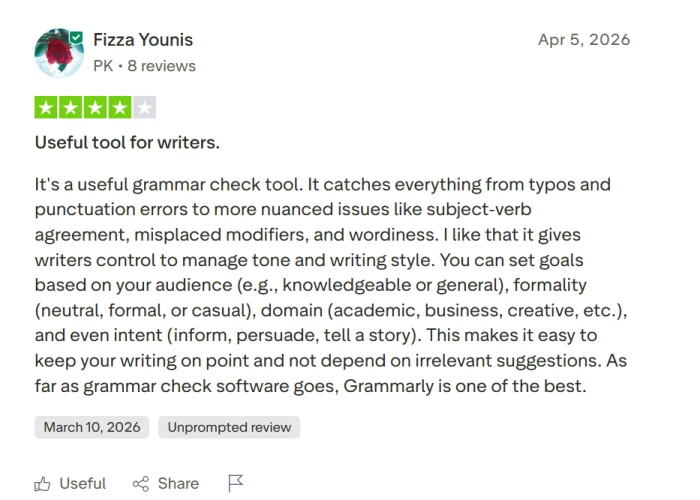
Grammarly still does its best work when the writing is messy but fixable. It catches the usual typos, punctuation slips, and awkward phrasing fast, which is exactly what most people want from it. The important part is not to accept everything blindly. A few suggestions may sound cleaner on the surface, but flatten the sentence or push it away from the writer’s original tone.
2. Full-Sentence Rewrite Stress Test
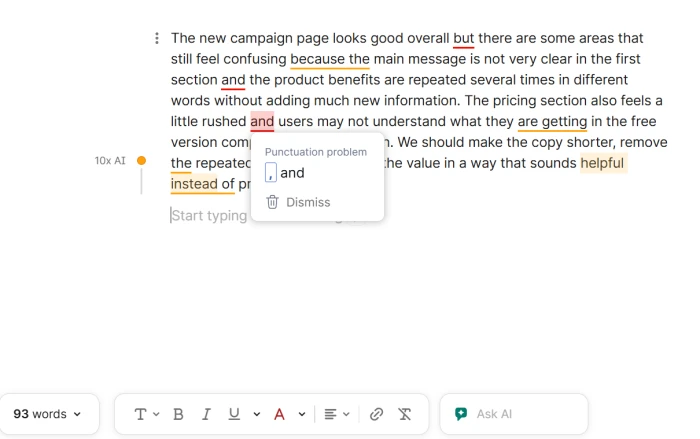
The rewrite feature is useful when a paragraph needs tightening, but it can be a little too confident. It often makes a sentence shorter and cleaner, which helps in emails, reports, and student drafts. The trade-off is voice. Some rewrites sound as if they came from a very careful office memo, so writers still need to decide what sounds natural for them.
3. Free Plan vs Pro Paywall Check
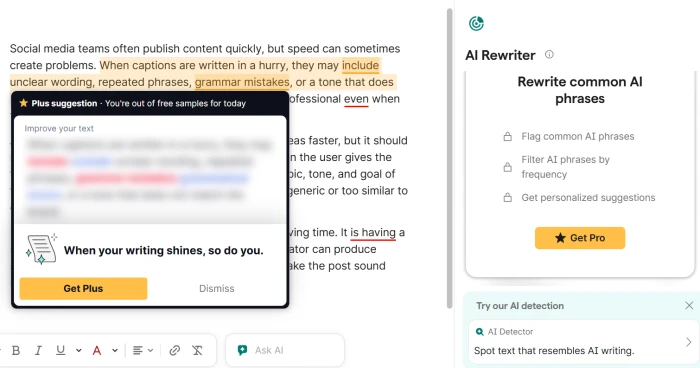
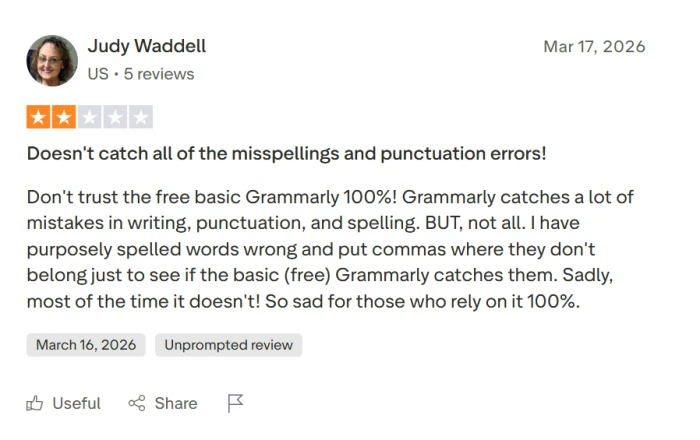
The free version is fine for basic cleanup, but Grammarly pushes Pro hard once the text needs deeper editing. That will bother some users, especially students or casual writers who only need quick fixes. Pro adds more serious suggestions, but the team should judge whether those suggestions are worth the monthly price, not just count how many extra cards appear.
4. Reader Reactions Test
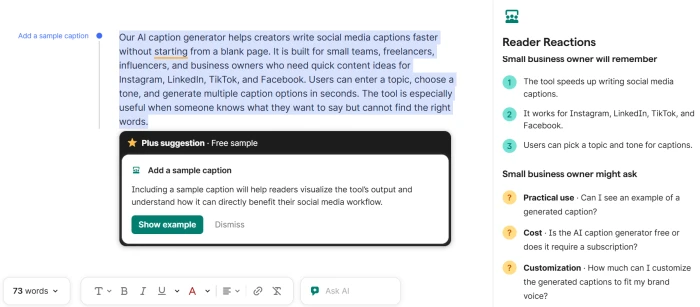
Reader Reactions is interesting because it moves Grammarly beyond simple correction. Instead of only asking “is this sentence right?”, it asks “how will this land?” That can be helpful for emails, essays, and sales copy. The weak spot is that the feedback can still feel broad unless the input is specific, so the test should use a real writing scenario, not a vague sample.
5. Citation Finder and Source Support Test
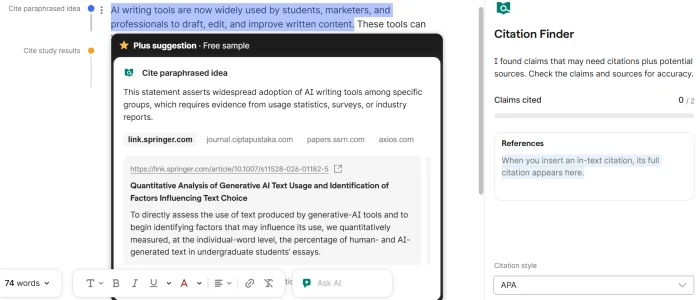
Citation Finder could be useful for students, but it should be tested with skepticism. A citation tool is only helpful if the source actually supports the sentence it is attached to. This screenshot should show whether Grammarly makes the research process easier or just creates another thing the writer has to verify. For academic users, that difference matters.