
Pollo AI Real-Use Testing
1. Free Account and Dashboard Access Check
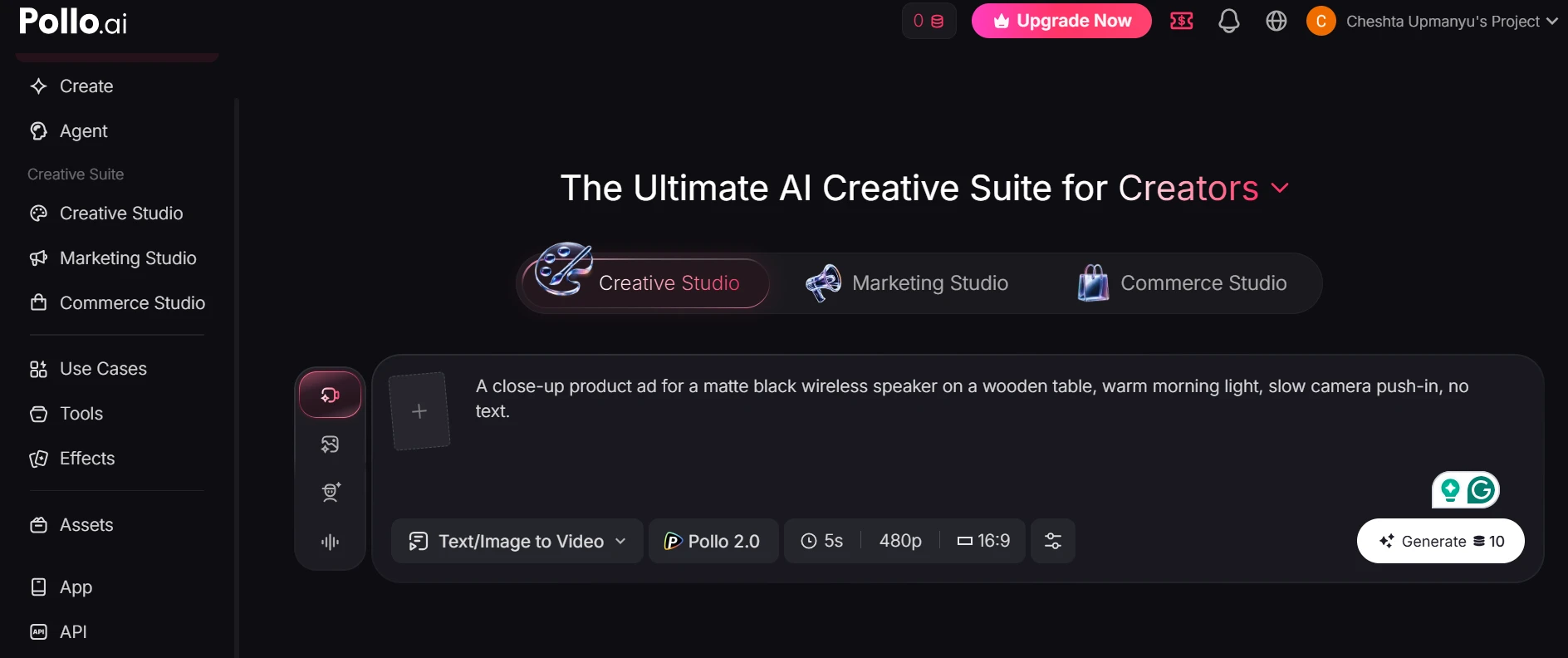
Pollo AI gives a strong first impression because the dashboard puts most tools in front of you right away. Even without generating anything, it’s easy to see that the platform is built around video creation, model choice, avatars, and editing tools. The important thing to check here is whether free users can actually explore the product or if most clicks quickly lead to paywalls.
2. Feature Library and Tool Range Test
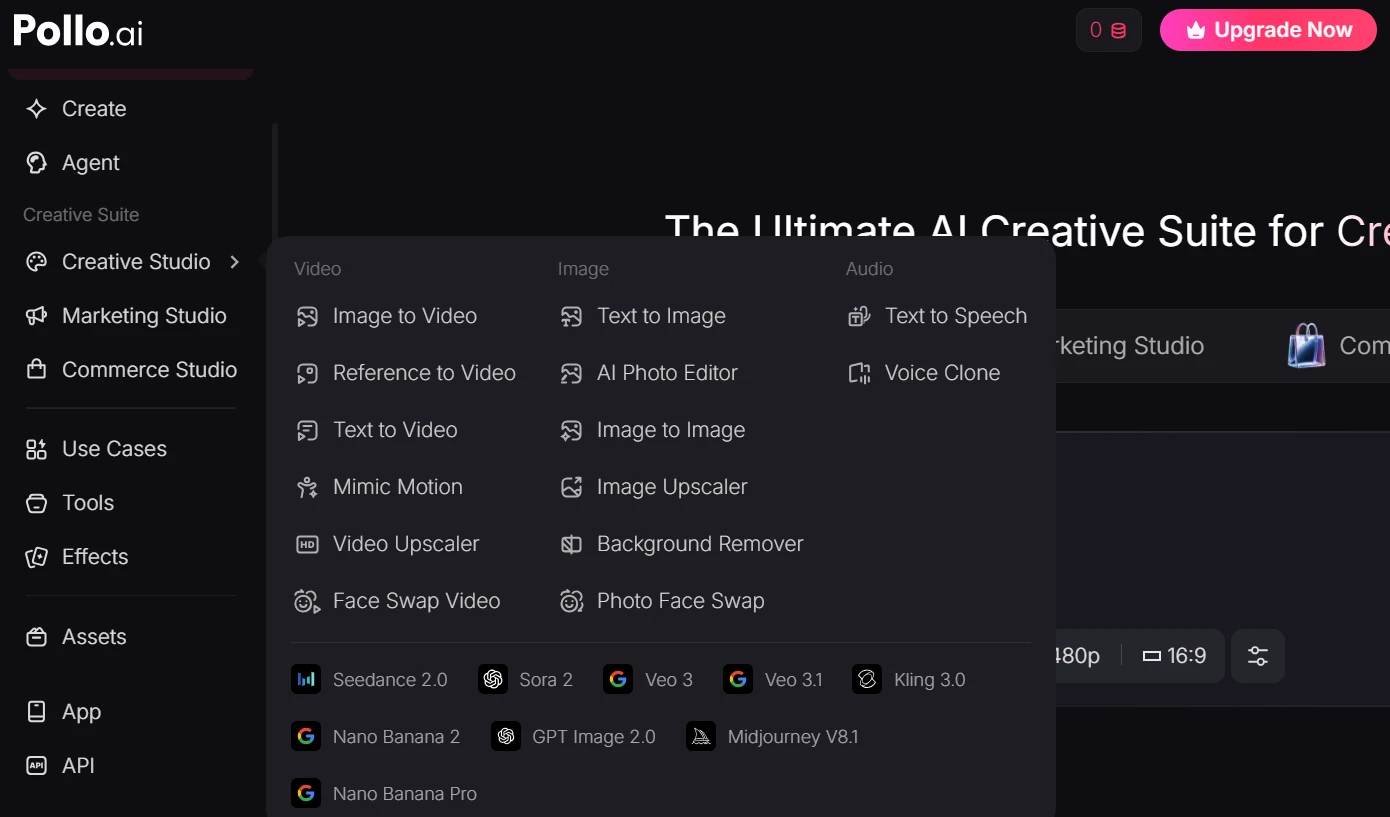
Pollo AI is not a single-purpose generator. The tool list is wide, and that’s one of the main reasons creators may consider it. The downside is that the platform can feel crowded at first, so this screenshot should help readers see whether Pollo feels organized or overwhelming before they even start generating videos.
3. Text-to-Video Setup Test
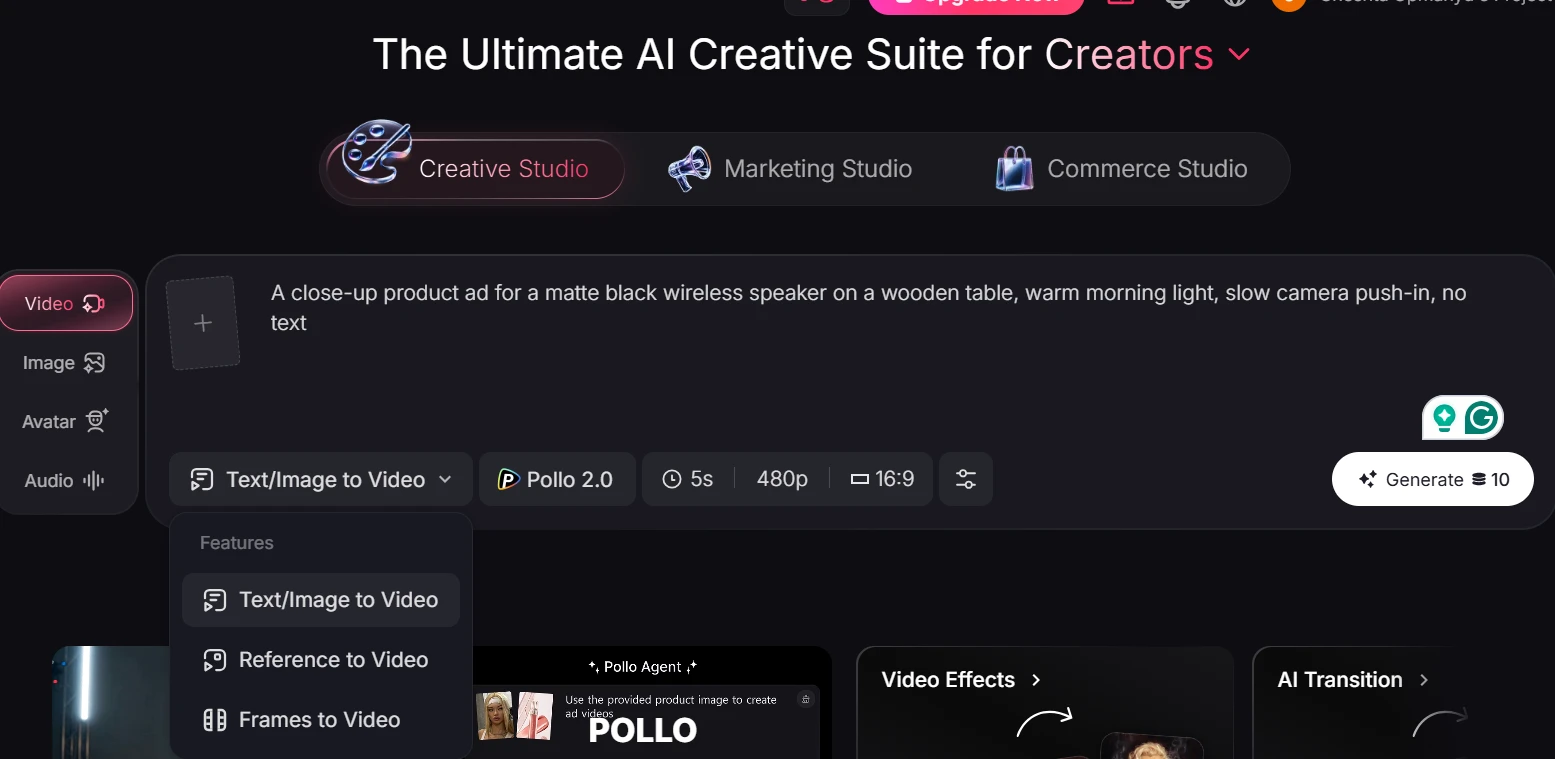
The setup screen tells a lot before any video is made. Pollo gives users enough controls to shape the output, especially through model choice, video length, and format settings. The key thing readers need to see is whether the tool makes the cost of each generation clear before they spend anything.
4. Sample Outputs and Public Demo Quality Check
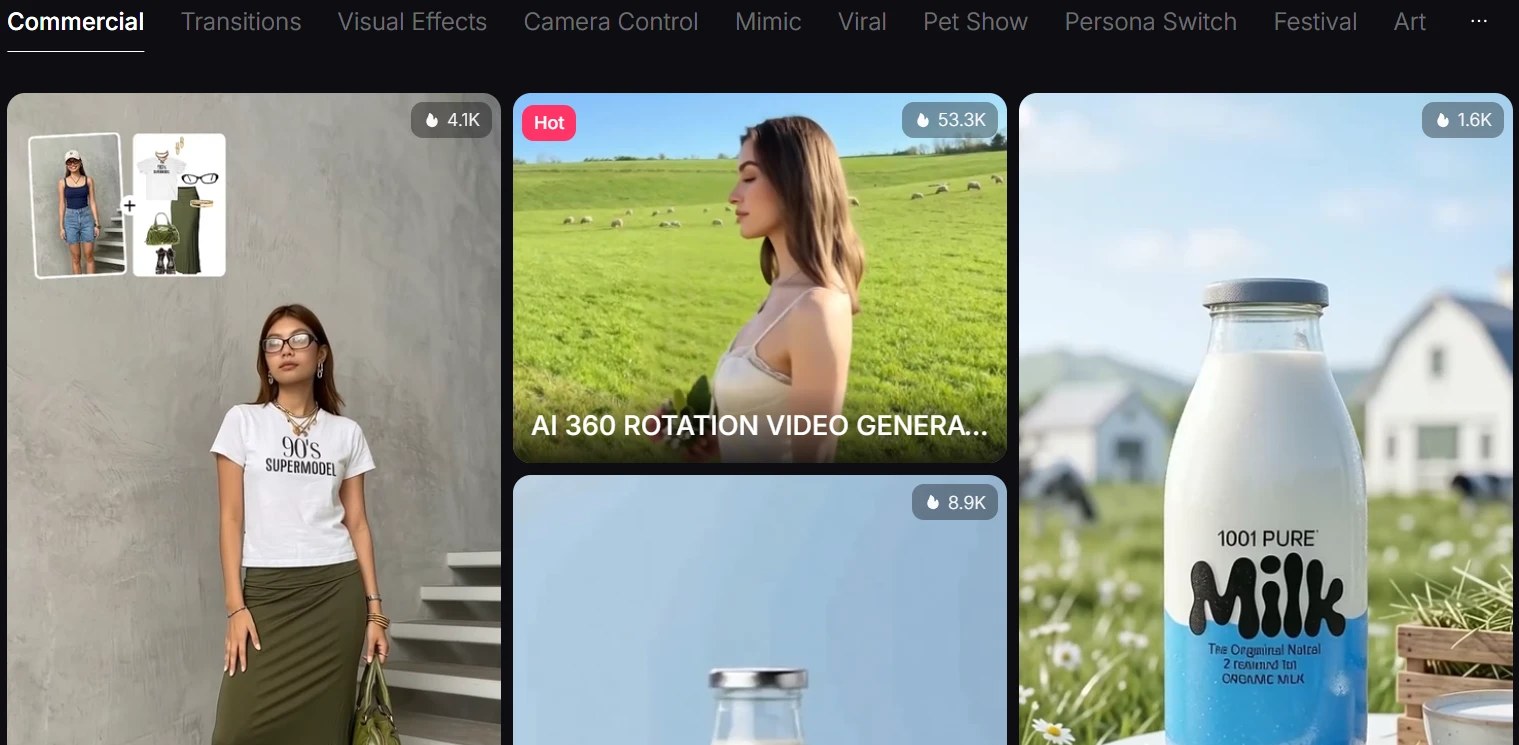
Official samples are not the same as independent tests, but they still tell readers what Pollo wants to be judged on. The useful question is whether the demos look practical or overly polished. If the samples show clear movement, stable subjects, and realistic detail, they support Pollo’s claims. If they avoid difficult scenes, that’s also worth pointing out.