
The User Experience Test
1. Homepage Promise Check
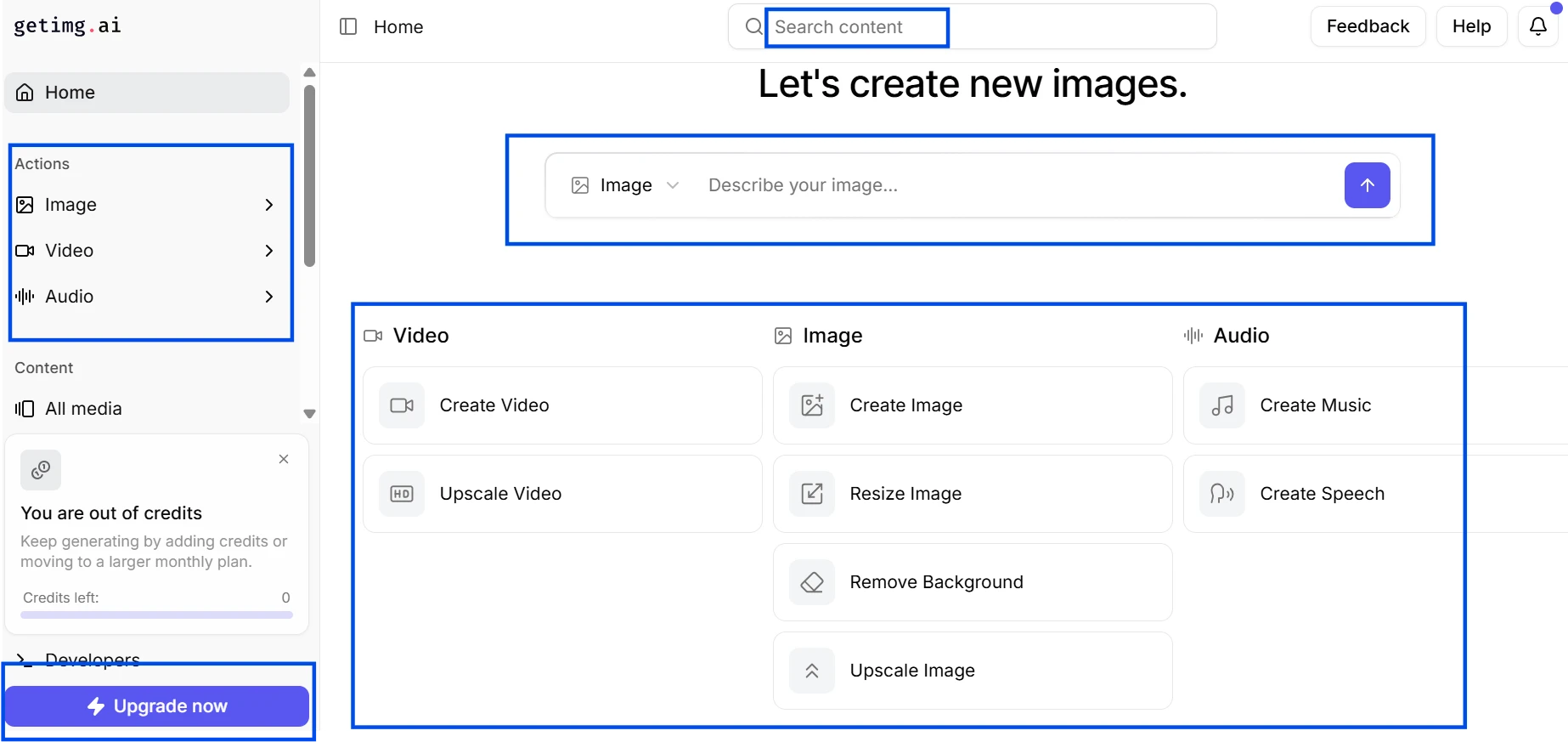
The screenshot shows the first screen users see when they open getimg.ai. I checked this area because the tool immediately presents itself as more than an image generator, with a prompt box, reference option, and quick creation layout right at the top. It looks polished and easy to start, but the page also creates a big expectation before the user knows what is free and what requires payment.
2. Model Library Visibility Check
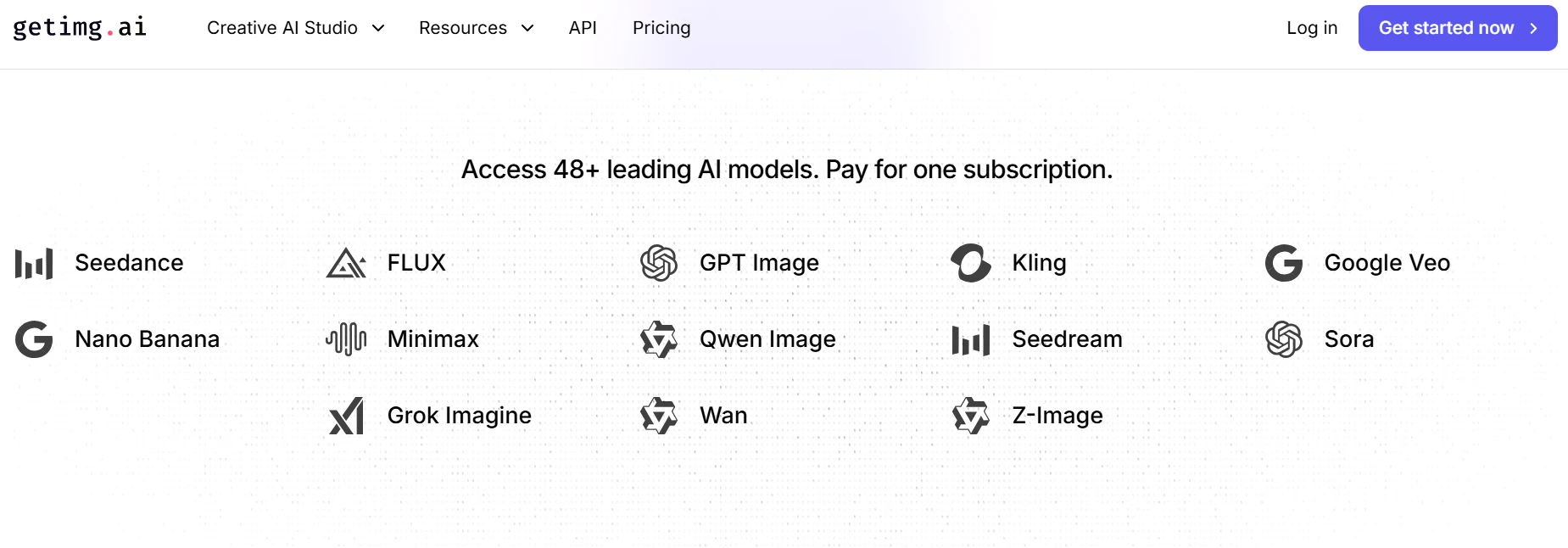
The screenshot shows getimg.ai’s model library preview. I checked this because model choice is one of the biggest selling points on the homepage. Seeing names like FLUX, GPT Image, Kling, Google Veo, Seedream, and Sora makes the platform look powerful, but the screenshot also raises a fair question: which models can a new user actually try without upgrading?
3. Reference and Consistency Preview
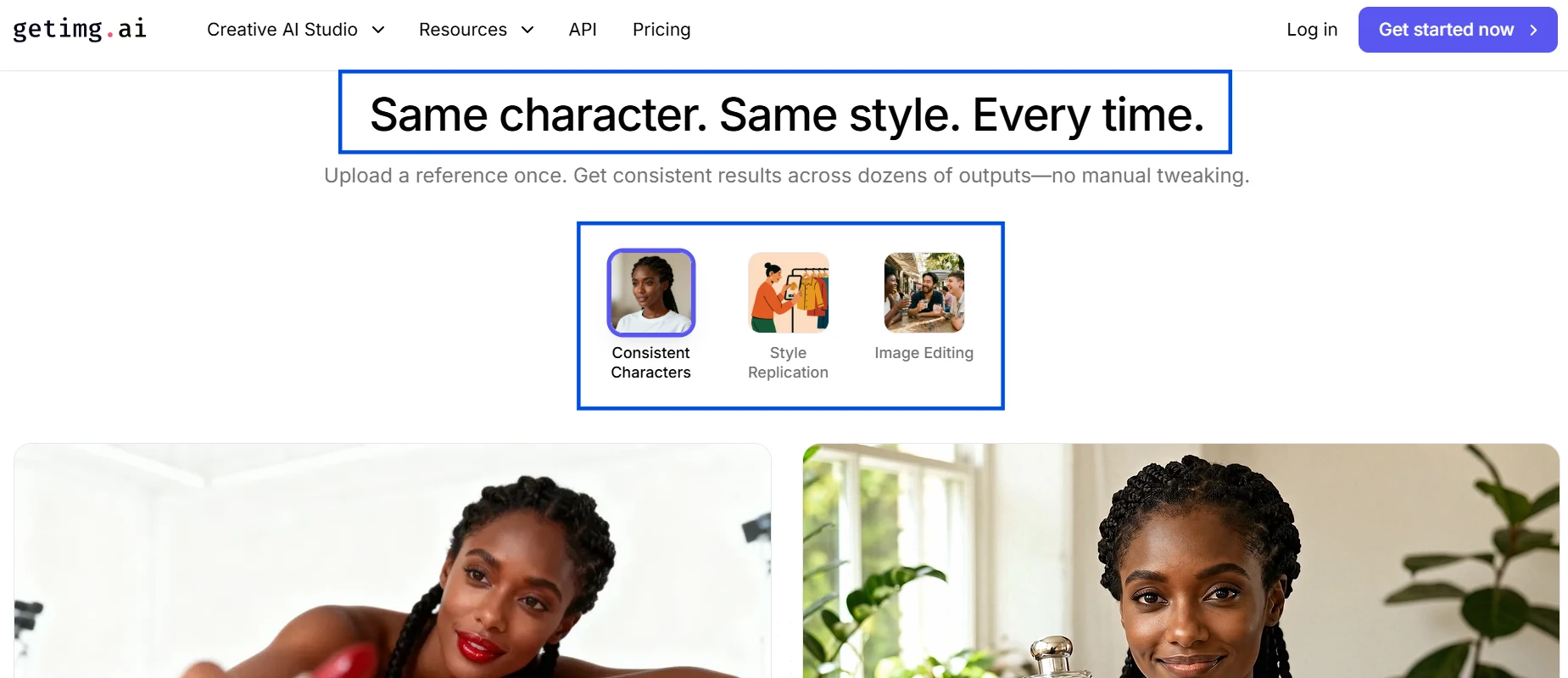
The screenshot shows getimg.ai’s consistency feature, where the site claims users can keep the same character or visual style across outputs. I checked this because character consistency is a real pain point for creators using AI image tools. The page makes the feature look useful, but I would still treat it as something that needs real output testing before fully trusting it.
4. Editing Toolkit Preview
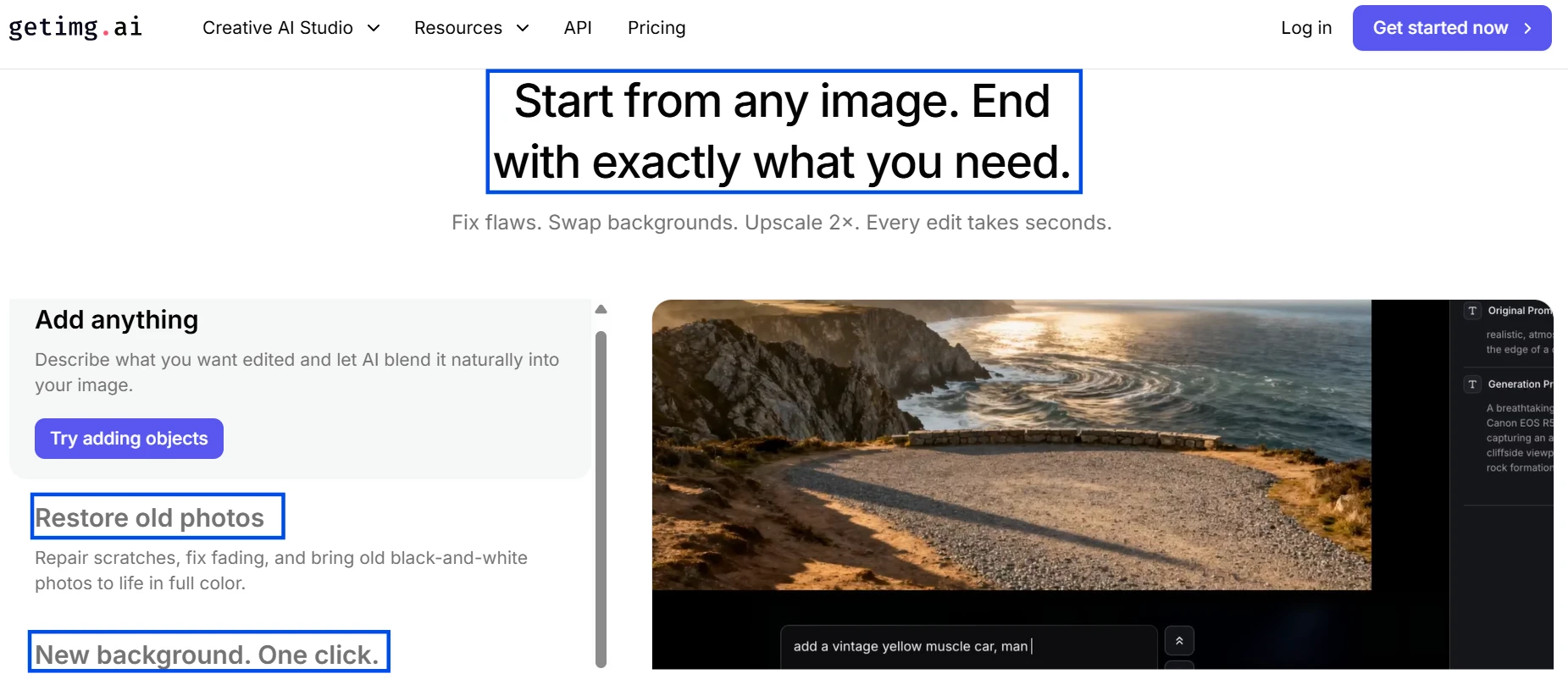
The screenshot shows the editing side of getimg.ai, not just the image generation side. I checked this because the platform is trying to position itself as a full creative workspace, with tools for backgrounds, restoration, resizing, and upscaling. This section looks practical, especially for marketers and creators, but the screenshot should not be treated as proof of output quality by itself.